
360 Construction Documentation for Jobsites
Photos from the field. Organized inside ACTABUILD.
Construction projects have a lot of moving parts. A few still photos can help, but they do not always show the full context of a room, hallway, unit, exterior area, or jobsite condition.
That is where 360 construction documentation becomes useful.
ACTABUILD helps construction teams capture 360 photos of active jobsites and organize them inside a documentation platform. Instead of relying only on loose photos, scattered folders, or text message updates, your project can be documented with interactive views that help your team see more of the site from a single capture point.
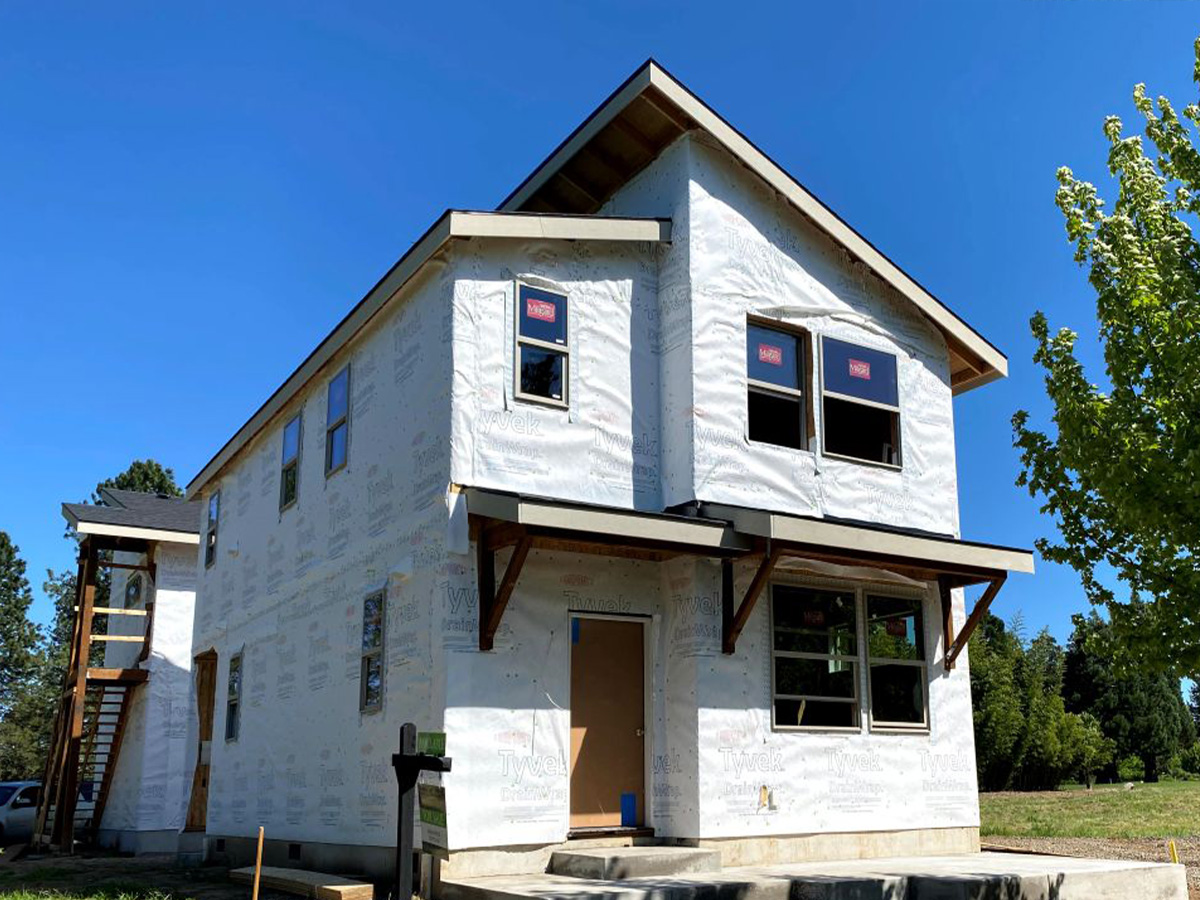
360 Photos as Part of Jobsite Documentation
360 photos are one part of a complete jobsite documentation process.
A strong jobsite documentation system should help construction teams capture what happened on site, where it happened, when it happened, and why it matters. That can include standard photos, 360 photos, field notes, issue tracking, milestone records, reports, and closeout documentation.
ACTABUILD brings these pieces together inside one construction documentation app. Your team can use 360 photos to capture jobsite context, standard photos to document specific details, field notes to explain what changed, and issues to track items that need attention.
The goal is not just to take more photos.
The goal is to create a clearer project record that is easier to find, review, share, and use later.
For a broader look at how construction teams can organize project records, visit our jobsite documentation page.
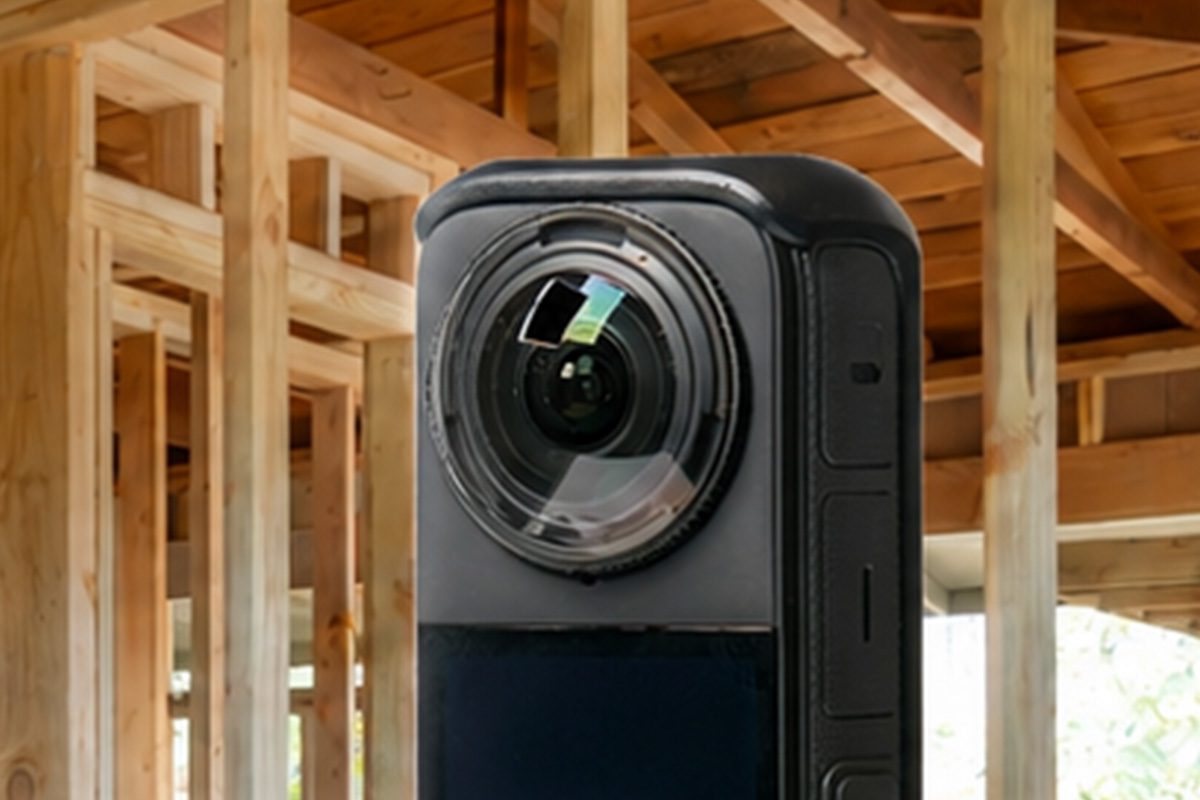
What Is 360 Construction Documentation?
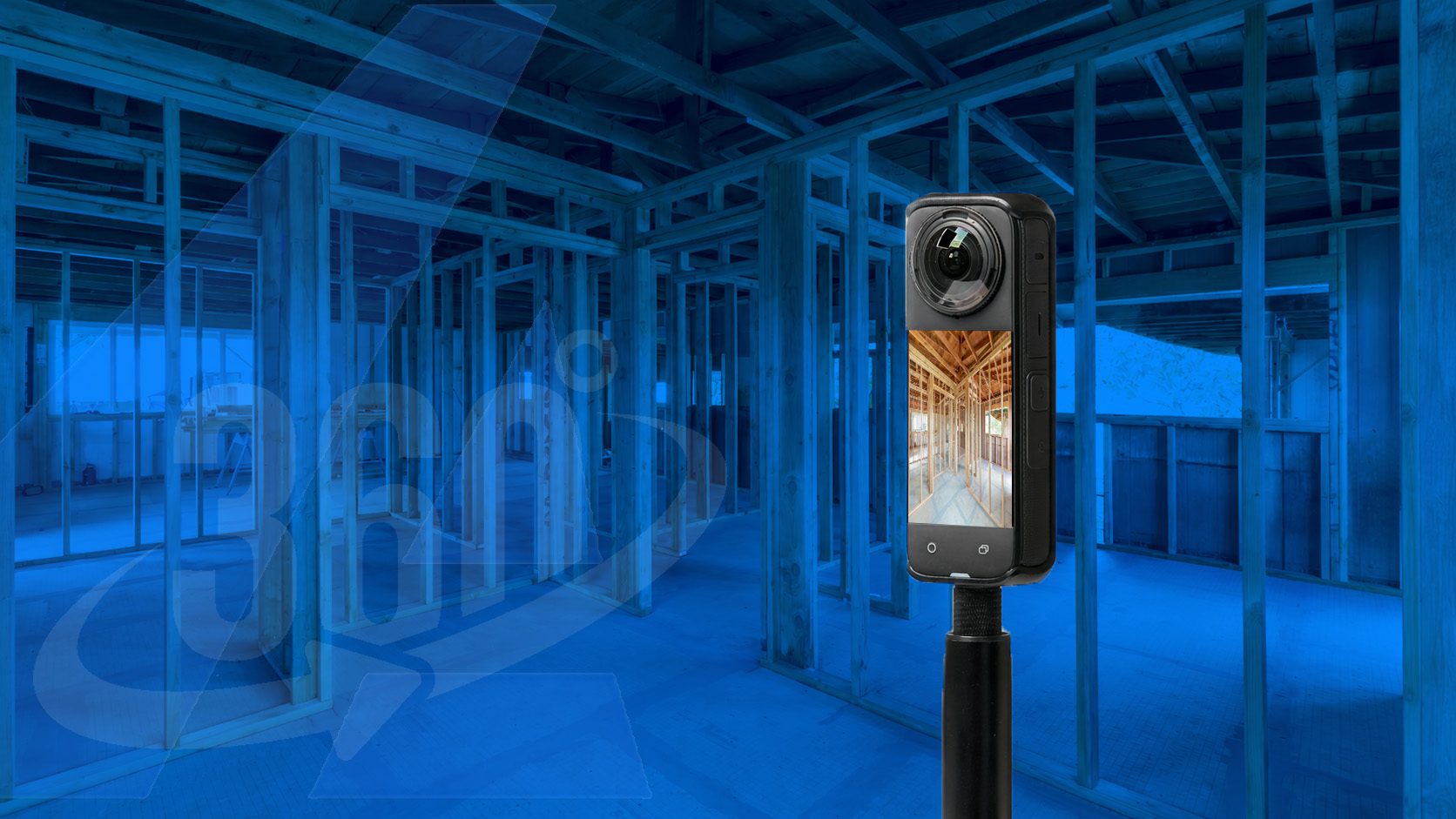
360 construction documentation uses interactive 360 photos to capture a fuller view of a room, area, unit, hallway, exterior elevation, or jobsite condition.
Unlike a standard photo that only shows one direction, a 360 photo lets your team look around from a single capture point. This helps show the surrounding context of the space, including walls, ceilings, floors, openings, framing, rough-in systems, materials, progress, and nearby conditions.
For construction teams, that context matters.
A regular photo may show a detail. A 360 photo helps show where that detail was located, what surrounded it, and what the jobsite looked like at that stage of the project.
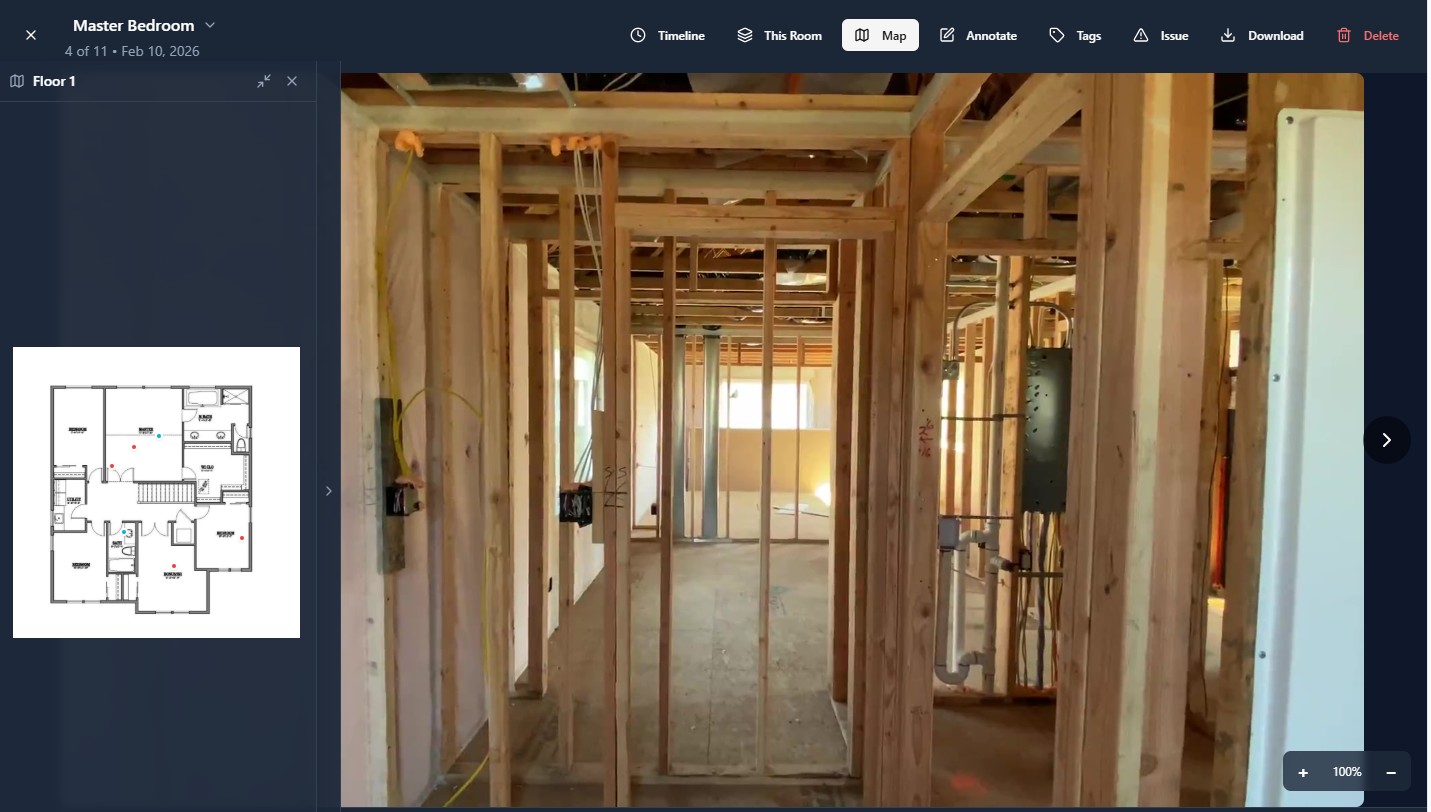
Why 360 Photos Are Useful on Construction Jobsites
What did this room look like before drywall?
Where was that pipe, duct, wire, or framing detail located?
What was visible during rough-in?
How far along was the project at that milestone?
What did the surrounding area look like when the issue was noticed?
360 photos help create a broader visual record of the jobsite. They are especially helpful when someone needs to review the project remotely or understand site conditions without physically walking the space again.

What's Included
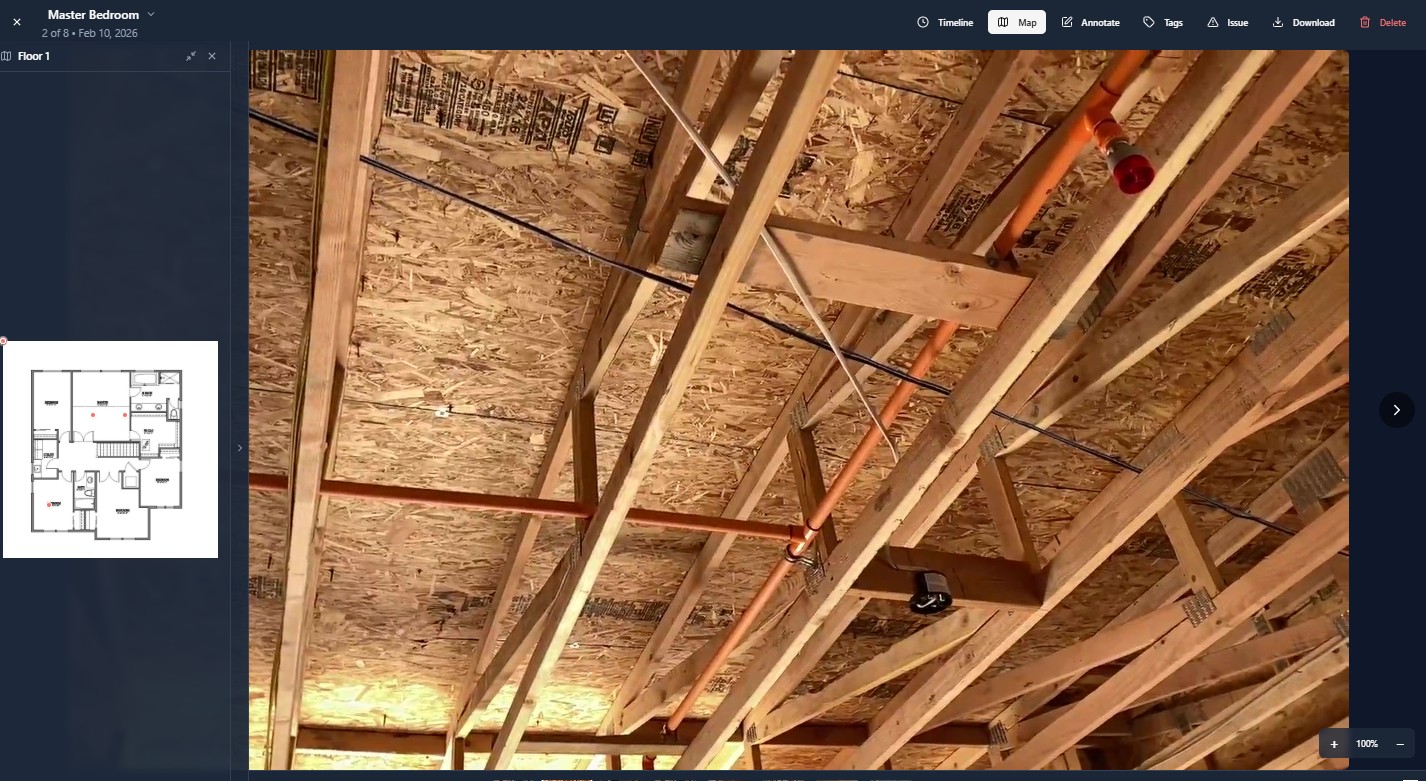
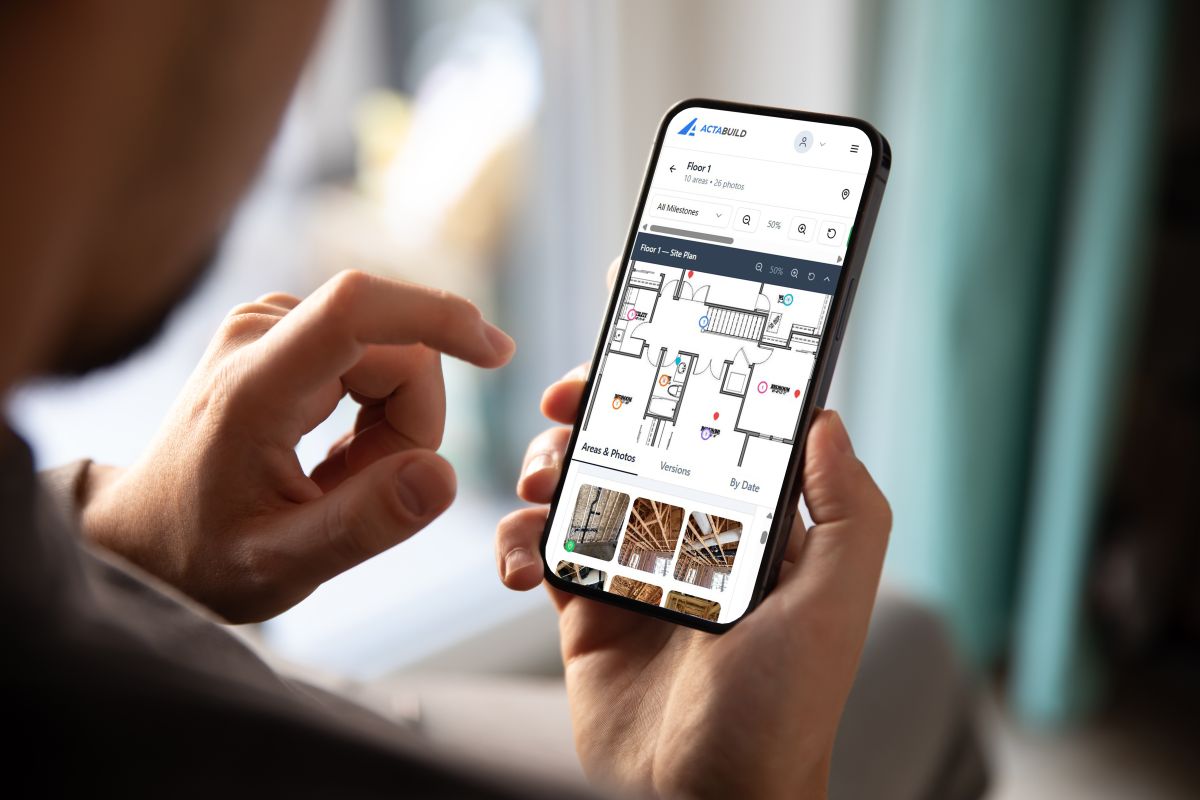
Site Plan Linked Photos
A clean set of construction progress photos from one site visit.
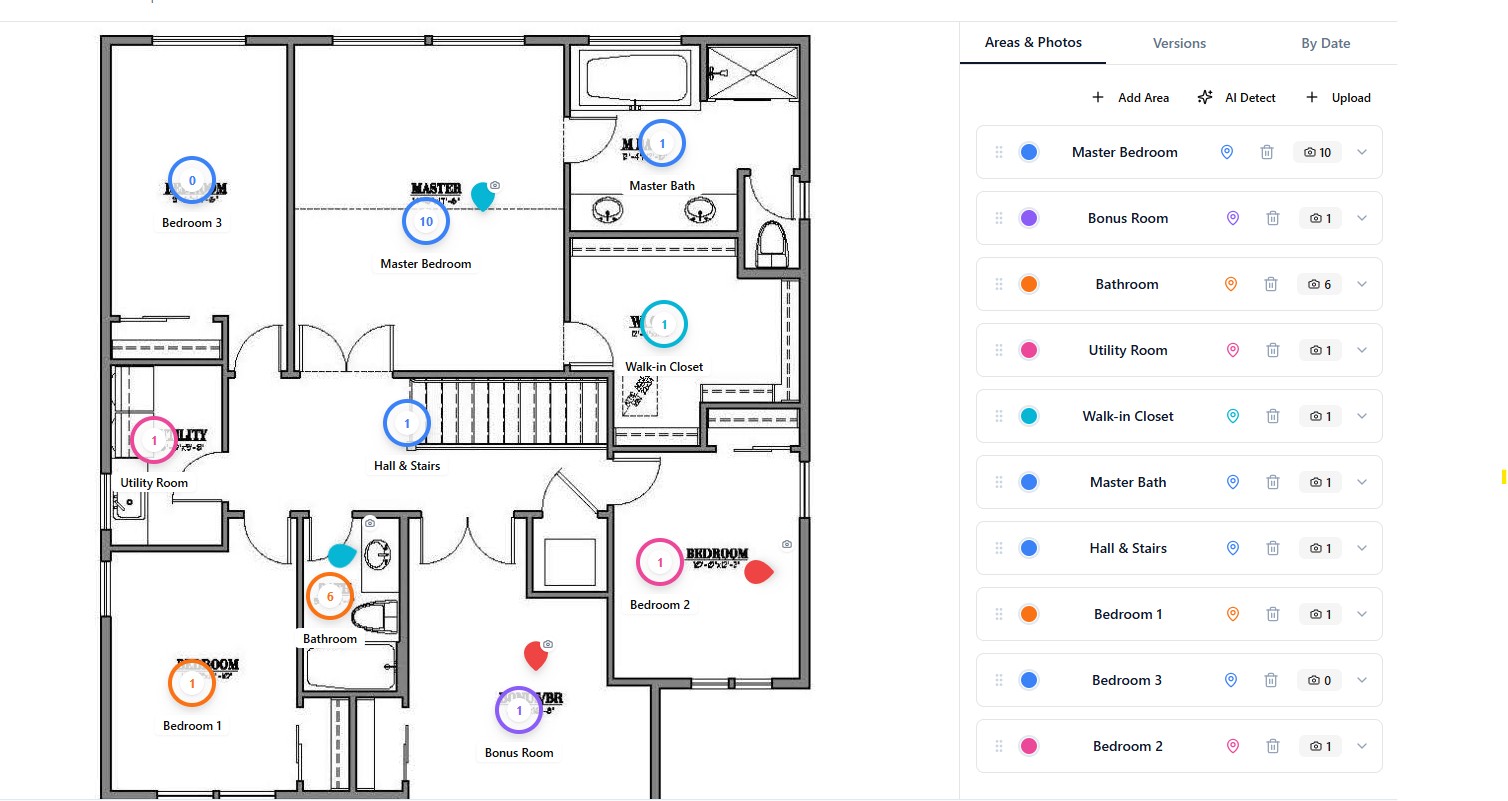
Jobsite Documentation Gallery
A clean set of construction progress photos from one site visit.
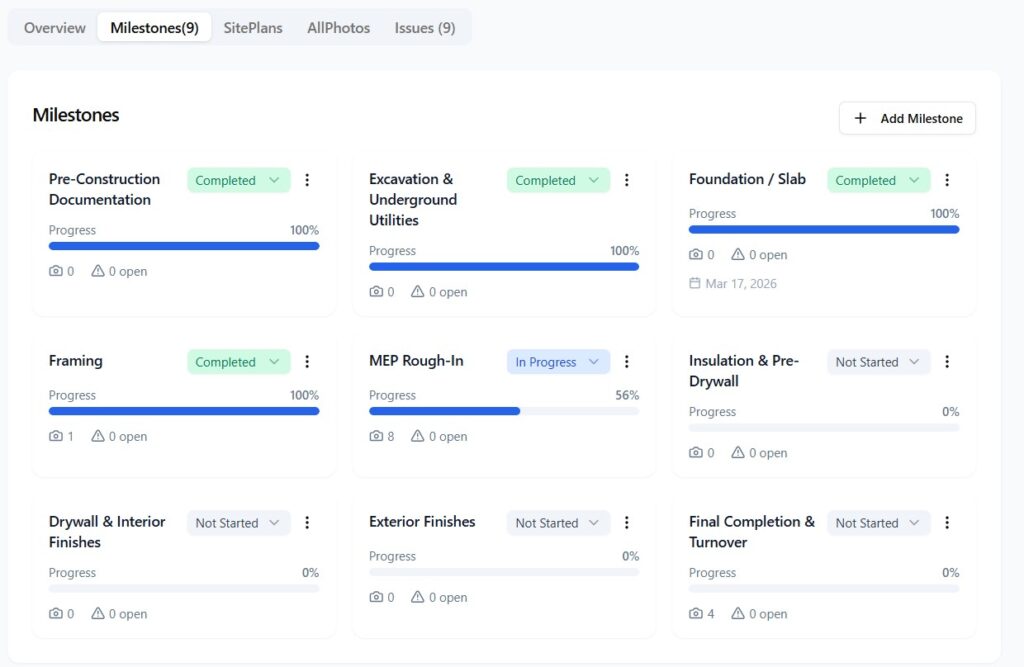
Milestone Summary
A simple written summary showing what stage was documented and what was visible during the visit.
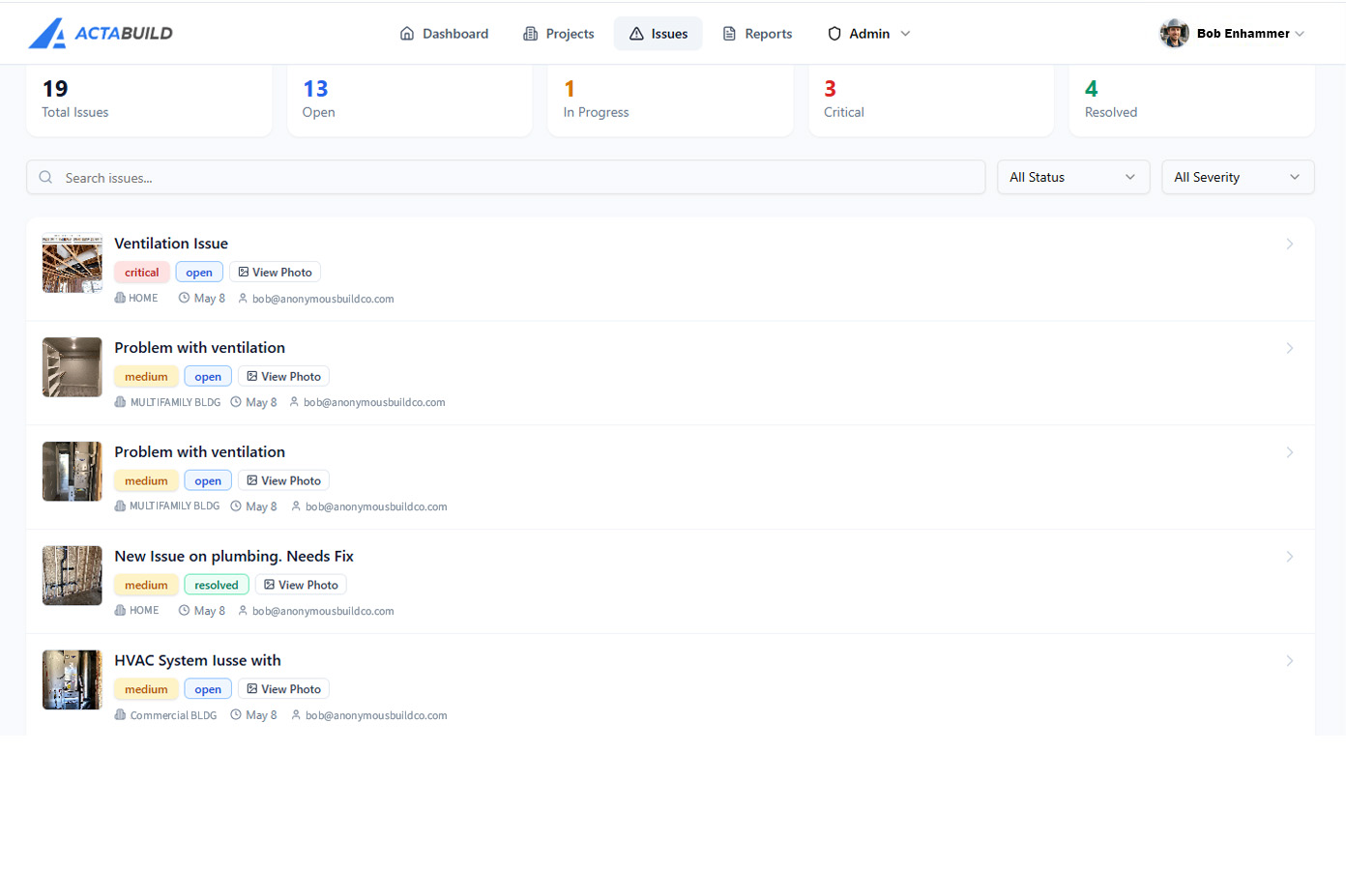
Issue & Reporting Documentation
A simple way to share the documentation with your team, client, owner, or trade partners.
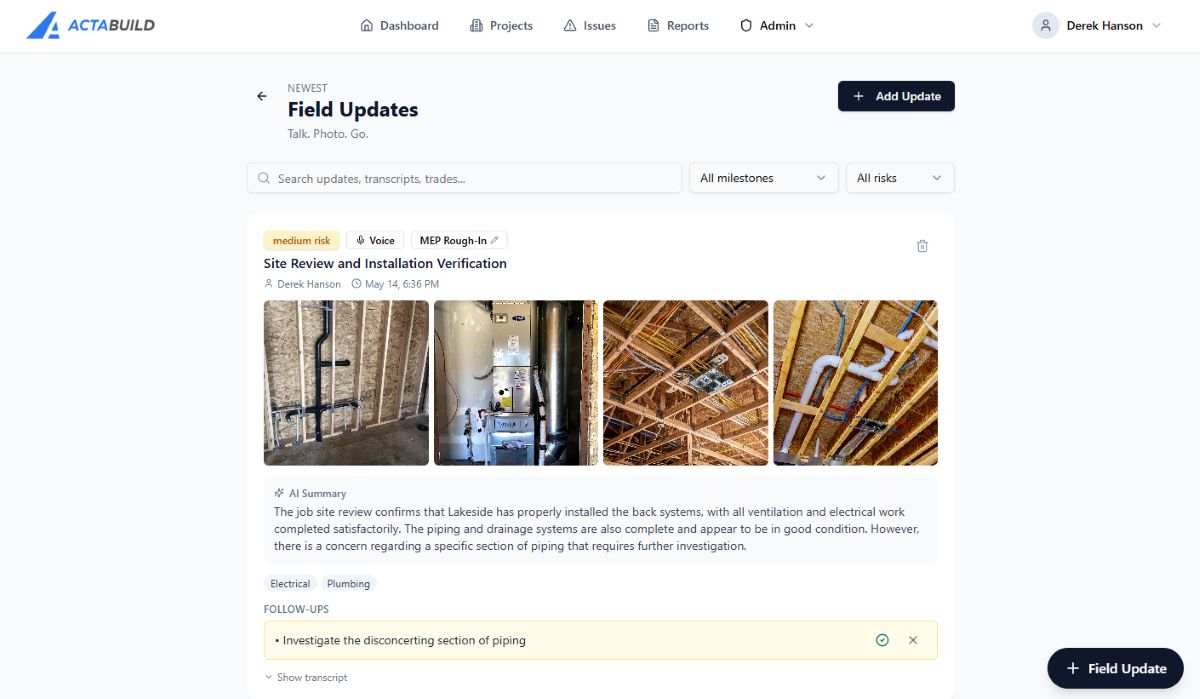
Onsite Field Notes
An easy to use note system powered by AI for your team to capture notes on the go of current conditions.
Issue & Reporting Documentation
A simple way to share the documentation with your team, client, owner, or trade partners.
How it Works
Capture jobsite documentation
Add 360 photos, standard photos, field notes, and issue records from the fiel
Organize by location and milestone
Connect documentation to the project, plan, room, area, date, and stage of work.
Review the project record
View photos, 360 images, notes, issues, and reports without digging through folders.
Share clear updates
Give owners, builders, GCs, subs, inspectors, or stakeholders access to the right documentation.
Who Uses 360 Jobsite Documentation?

Builders
Use 360 photos and milestone documentation to track progress, communicate with homeowners, and keep a better record before details are covered.

General Contractors
Use jobsite documentation to review progress, coordinate trades, document conditions, and reduce confusion between the field and office.

Superintendents and Project Managers
Use organized photos, 360 views, notes, and issue records to answer questions faster without searching through scattered folders.

Trade Contractors
Use documentation to show completed work, rough-in locations, system routing, and installation conditions.

Owners and Developers
Use 360 jobsite documentation to review progress remotely and understand what is happening on site without needing to walk the project every day.

Remodelers
Use 360 photos to document existing conditions, demolition, hidden issues, rough-in work, and project changes.
A Clearer Way to Manage Jobsite Photos
ACTABUILD helps construction teams capture, organize, and use jobsite photos with more clarity.
If your team is tired of scattered project photos, hard-to-find documentation, or unclear visual records, the ACTABUILD platform gives your project documentation a better structure.
Start documenting your project with photos, 360 images, floor plan-based viewing, milestone organization, and issue documentation.
Best For
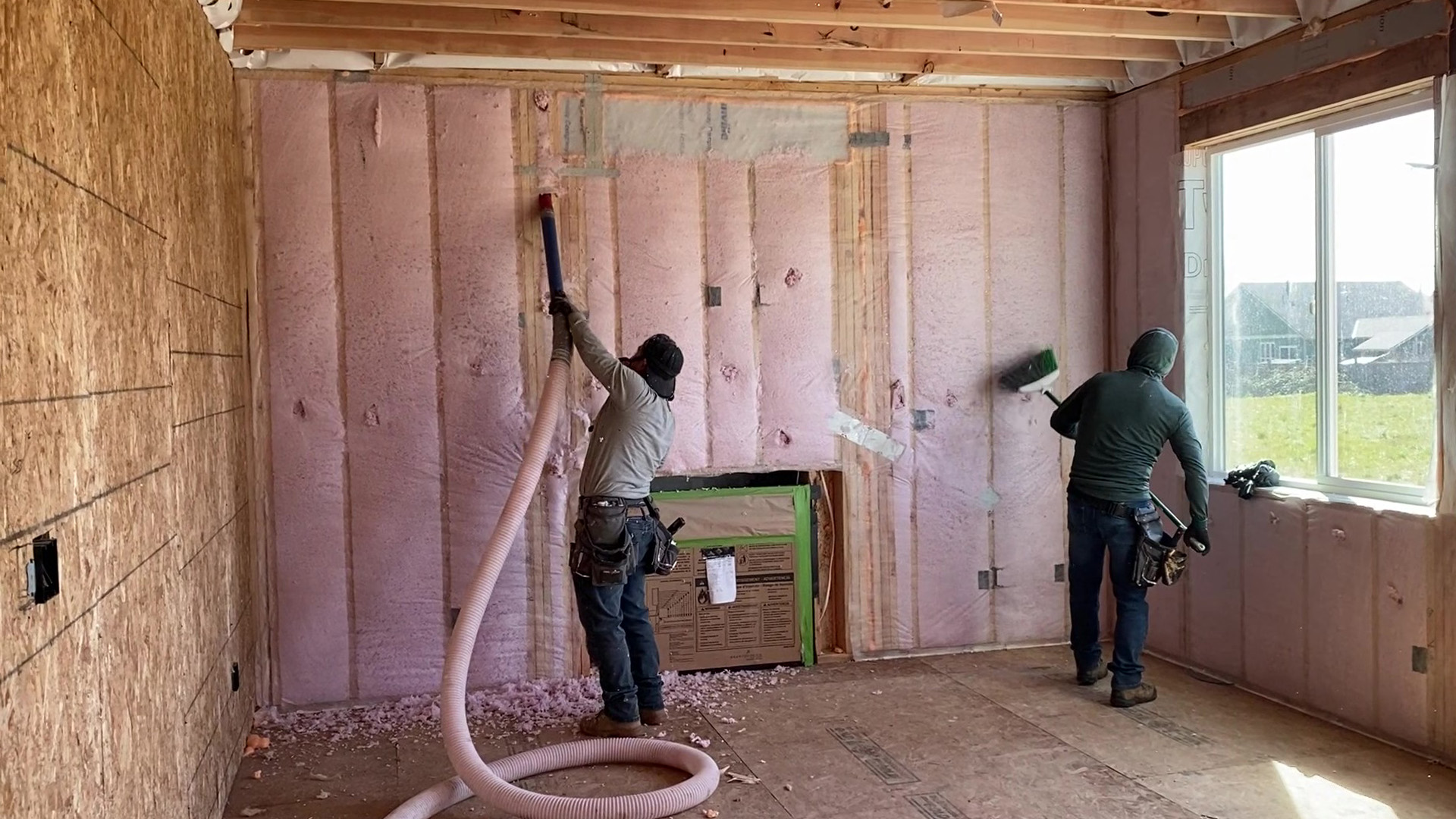
- Framing progress
- Rough MEP
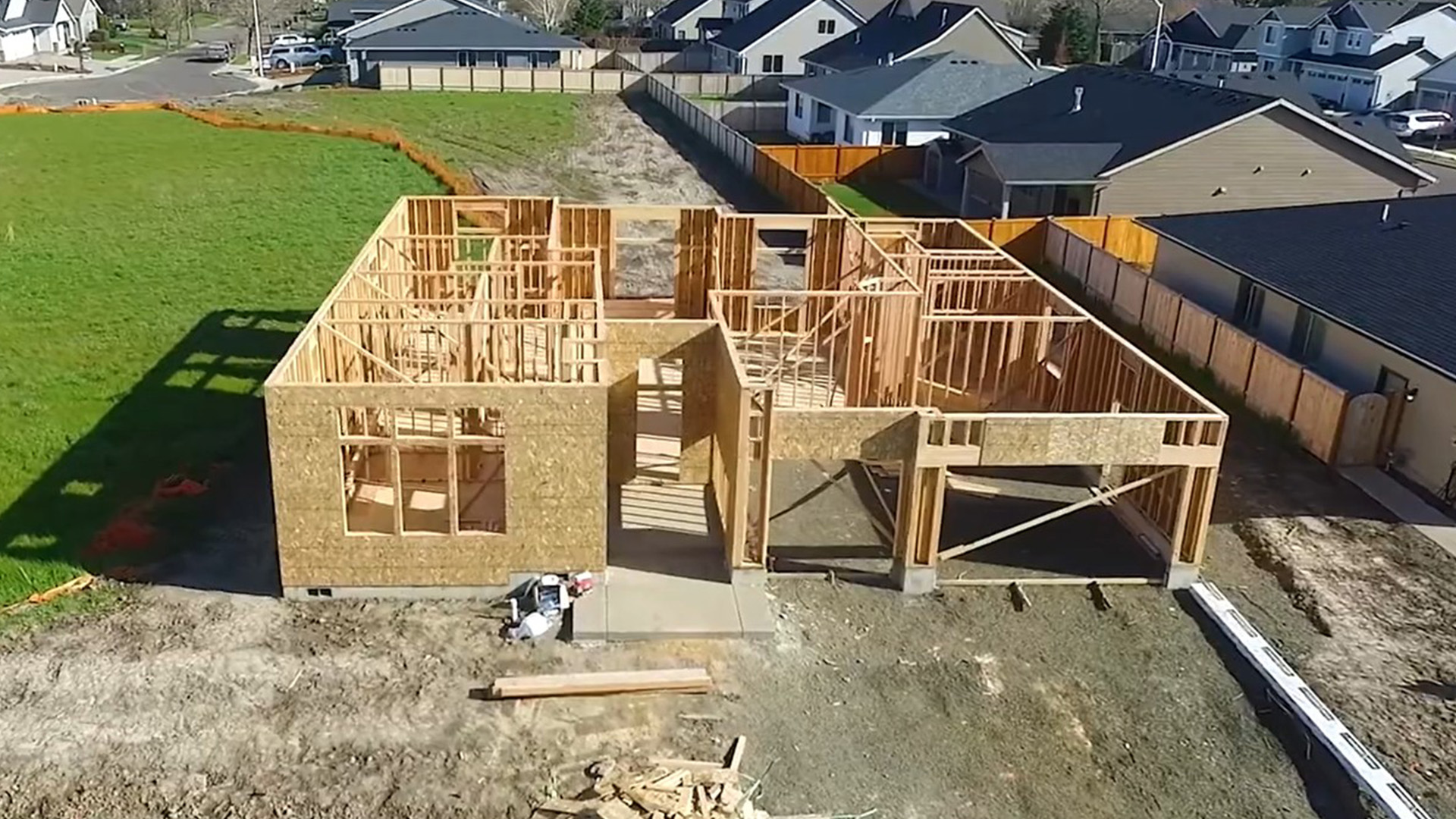
- Insulation before drywall
- Exterior progress
- Pre-close documentation
- Remodel documentation
- Owner updates
- Builder marketing records
Why It Helps
Construction moves fast. Once a wall is closed, a trench is covered, or a system is hidden, the opportunity to document it is gone.
ActaBuild gives you a clean visual record before the work disappears.
Use it for progress updates, owner communication, quality control, internal records, and fewer “where is that photo?” moments.
Done-for-You 360 Construction Photography in Portland
ACTABUILD is app-first, but some teams need help getting started or want documentation captured for them.
For local projects in the Portland area, ACTABUILD also offers done-for-you 360 construction photography and milestone documentation services. This can be helpful for builders, contractors, remodelers, developers, and owners who want organized documentation without assigning the work internally.
If you are looking for local documentation support, visit our Portland 360 construction photography page.
Start Building a Clearer Jobsite Record
Construction documentation should not disappear into camera rolls, folders, and message threads.
ACTABUILD helps your team organize 360 photos, standard construction photos, field notes, issues, milestones, and reports in one place.
Start documenting your project with more clarity.
Frequently Asked Questions About 360 Construction Documentation
What is 360 construction documentation?
360 construction documentation uses interactive 360 photos to capture a wider view of jobsite conditions. These images can help construction teams review rooms, areas, systems, progress, and surrounding context after the site has changed.
How is a 360 construction photo different from a regular photo?
A regular photo shows one direction or detail. A 360 photo lets you look around from one capture point. Regular photos are better for close-up details, while 360 photos are better for understanding the surrounding space.
Is 360 documentation a replacement for standard construction photos?
No. The best documentation uses both. Standard photos capture details. 360 photos capture context. ACTABUILD helps organize both types of photos inside the project record.
When should 360 photos be captured on a construction project?
360 photos are especially useful before important work is covered or changed. Common stages include framing, rough-in, pre-drywall, insulation, finishes, punch list, and closeout.
Can 360 photos help with pre-drywall documentation?
Yes. Pre-drywall is one of the most useful stages for 360 construction documentation because wall cavities, framing, blocking, wiring, plumbing, HVAC, and other systems are still visible.
Who can use 360 jobsite documentation?
Builders, general contractors, remodelers, trade contractors, superintendents, project managers, owners, and developers can use 360 documentation to review jobsite conditions and keep clearer project records.
Does ACTABUILD organize 360 photos by floor plan?
ACTABUILD is designed to help organize photos and 360 views by project, location, milestone, room, issue, and supporting documentation so jobsite records are easier to find later.
Does ACTABUILD offer done-for-you 360 construction photography?
ACTABUILD is primarily a construction documentation app, but done-for-you 360 construction photography and milestone documentation are available for qualifying local projects in the Portland area.