
How GCs, Project Managers, Superintendents, and Owners Use Jobsite Documentation
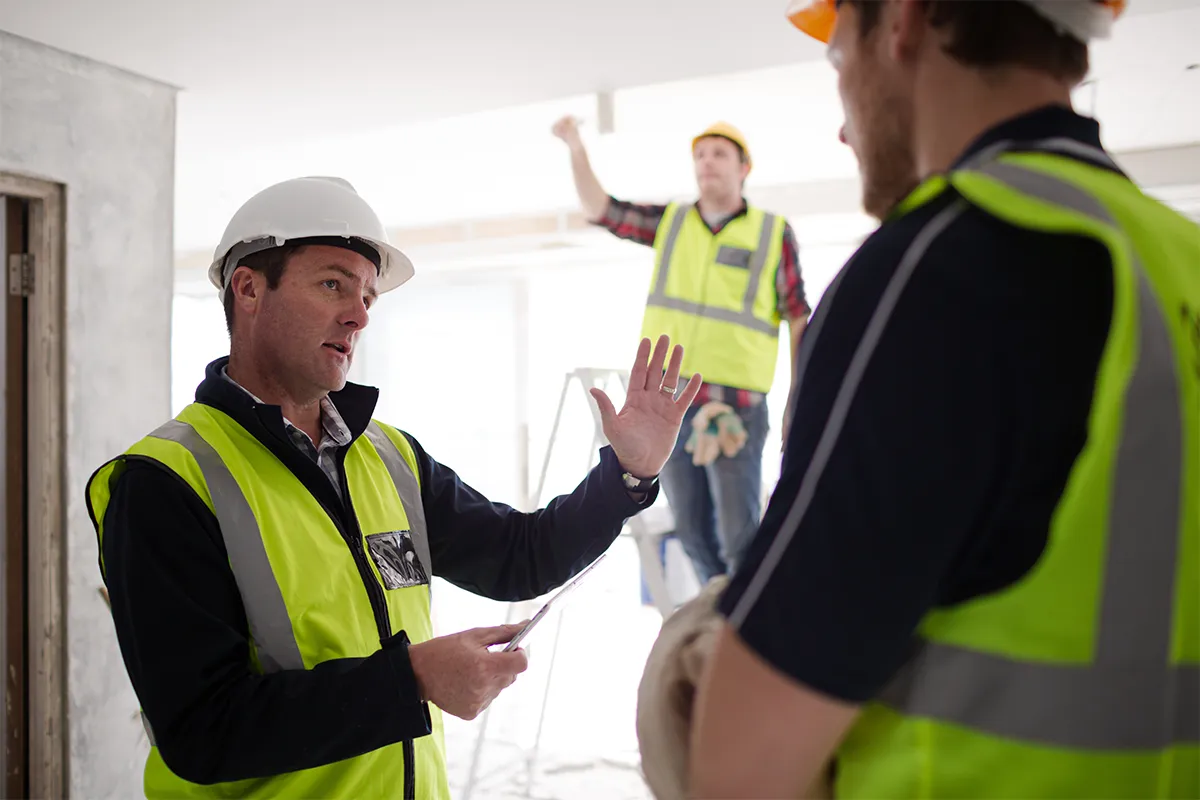
Everyone on a commercial construction project may be looking at the same jobsite, but they are not necessarily looking for the same information.
A superintendent needs to document what happened today.
A project manager needs to know whether progress, issues, and follow-up items are being handled.
The general contractor needs a consistent record across the project.
The owner or developer needs visibility without being physically present every day.
Construction documentation becomes more useful when it gives each person the information they need without creating a separate reporting process for every stakeholder.
One Project Record, Different Questions
A commercial construction project generates a constant flow of information:
- Progress photos
- Field notes
- Issues
- Corrections
- Inspections
- Milestones
- Plan changes
- Trade coordination
- Owner updates
- Closeout records
When this information is spread across phone galleries, text messages, emails, reports, and shared folders, each person receives only part of the story.
The superintendent may know what happened but never record it clearly.
The project manager may receive the update but lose the related photographs.
The owner may see progress photos but lack enough context to understand them.
A structured jobsite documentation system creates one project record while allowing each role to use that information differently.
What Superintendents Need From Jobsite Documentation
Superintendents are closest to the daily activity of the project.
They see work being installed, trades arriving, conditions changing, and issues developing. They are often responsible for capturing the information everyone else needs.
The documentation process cannot require a superintendent to spend the end of every day organizing folders or writing lengthy reports.
Superintendents need a fast way to:
- Capture progress photos
- Record voice or written field updates
- Identify where a photo was taken
- Document work before it is covered
- Mark up a condition
- Create an issue
- Assign follow-up
- Record whether the issue was resolved
The system should organize the information around the project, floor plan, area, milestone, and issue while the superintendent is still in the field.
The goal is not to give the superintendent more paperwork. It is to make the documentation already being collected more useful.
What Project Managers Need From Jobsite Documentation
Project managers need visibility across the project without repeatedly asking the field for information.
They may need to prepare for a meeting, answer an owner’s question, review an issue, confirm progress, or understand what happened several weeks earlier.
Project managers need documentation that helps them:
- Review progress by date or milestone
- See recent field updates
- Find photos by location
- Monitor open issues
- Review assigned follow-up items
- Compare current and previous conditions
- Prepare project summaries
- Answer questions without searching multiple systems
A folder of photographs may show that work occurred. It does not automatically explain where the work happened, why the photograph was taken, or whether something still requires attention.
Connecting photos to field updates, annotations, floor plans, and issues gives the project manager a clearer view of the jobsite.
What General Contractors Need From Jobsite Documentation
The general contractor needs more than visibility into one condition. The GC needs a dependable documentation process that can work across teams, phases, and projects.
Without a consistent process, each superintendent or project manager may document work differently. One project may have detailed milestone records while another relies almost entirely on text messages and personal phone photos.
A jobsite documentation system for general contractors can help establish a shared standard for:
- Required construction milestones
- Pre-cover documentation
- Photo organization
- Field updates
- Issue tracking
- Owner communication
- Reports
- Closeout records
- Warranty reference
The GC should be able to understand what has been documented, what is missing, and what still needs attention.
Good documentation also helps preserve project knowledge when employees, subcontractors, or responsibilities change.
What Owners and Developers Need From Jobsite Documentation
Owners and developers usually do not need every photograph or field conversation.
They need a clear view of the information that affects their project.
That can include:
- Overall progress
- Completed milestones
- Significant conditions
- Open issues
- Documented corrections
- Areas requiring decisions
- Current photographs
- Reports and project summaries
Giving an owner access to an unorganized folder containing thousands of photographs does not necessarily improve transparency. It may create more questions because the images lack location, date, milestone, and explanation.
Owners need a curated view that helps them understand what is happening without exposing every internal conversation or routine field detail.
Permission-based access allows the project team to share the right information while maintaining control of internal records.
What Trade Contractors Need From the Record
Trade contractors also contribute important project information.
Electrical, plumbing, HVAC, fire protection, low-voltage, framing, concrete, and other trades may need to document work that will soon be covered.
Trade documentation can help show:
- Where work was installed
- What was completed
- What remained incomplete
- Conditions encountered
- Approved corrections
- Work completed before concealment
- Responses to assigned issues
Trade contractors should not need to create a separate, disconnected photo folder for every request.
Their documentation should connect to the same project locations, milestones, and issues used by the rest of the team.
Capture Information Once and Use It More Than Once
One of the largest documentation problems in commercial construction is repeated reporting.
A superintendent sends photos to the project manager.
The project manager downloads those photos and creates an owner update.
An issue is copied into an email.
The same condition is discussed again during a meeting.
Someone later searches for the original photograph to include in a report.
A better process allows information captured once to support several needs.
For example, one annotated jobsite photograph could become part of:
- A superintendent’s field update
- A project manager’s issue review
- A trade contractor’s assignment
- An owner progress summary
- A closeout report
- A future warranty record
The photograph does not need to be recreated or manually moved between several systems. It remains connected to the project while being used by the people who need it.
Different Views Should Not Mean Different Records
Construction teams need different levels of detail, but they should not have to rely on different versions of the truth.
The superintendent may view the project by today’s field activity.
The project manager may view it by milestones and open issues.
The general contractor may look across multiple projects.
The owner may receive selected progress updates and reports.
These views can all come from the same underlying documentation.
That creates a clearer connection between the field, office, and owner while reducing the risk of important information being lost between them.
What a Commercial Construction Documentation System Should Include
A useful system should bring together more than photographs.
Look for the ability to:
- Organize records by project and location
- Connect photos to floor plans or site plans
- Track construction milestones
- Capture written or voice-based field updates
- Annotate photographs
- Create and assign issues
- Track issue status
- Control what different users can view
- Generate project reports
- Export documentation at closeout
- Preserve a searchable project history
The goal is not simply to collect more information. It is to give the information enough structure that each project participant can use it.
Connect the Field, Office, and Owner
Commercial construction teams do not need more disconnected messages, photographs, and reports.
They need a shared project record that supports the different responsibilities of the people involved.
Superintendents need faster field documentation.
Project managers need organized visibility.
General contractors need consistent project records.
Owners and developers need clear progress information.
ACTABUILD helps connect field updates, standard photos, 360 images, floor plans, annotations, issues, milestones, and reports inside one organized construction documentation platform.
Capture the information once. Keep it connected to the project. Give each person the view they need.