
Construction Photo App for Jobsite Documentation
Keep Every Jobsite Photo Connected to the Project
Keep Every Jobsite Photo Connected to the Project
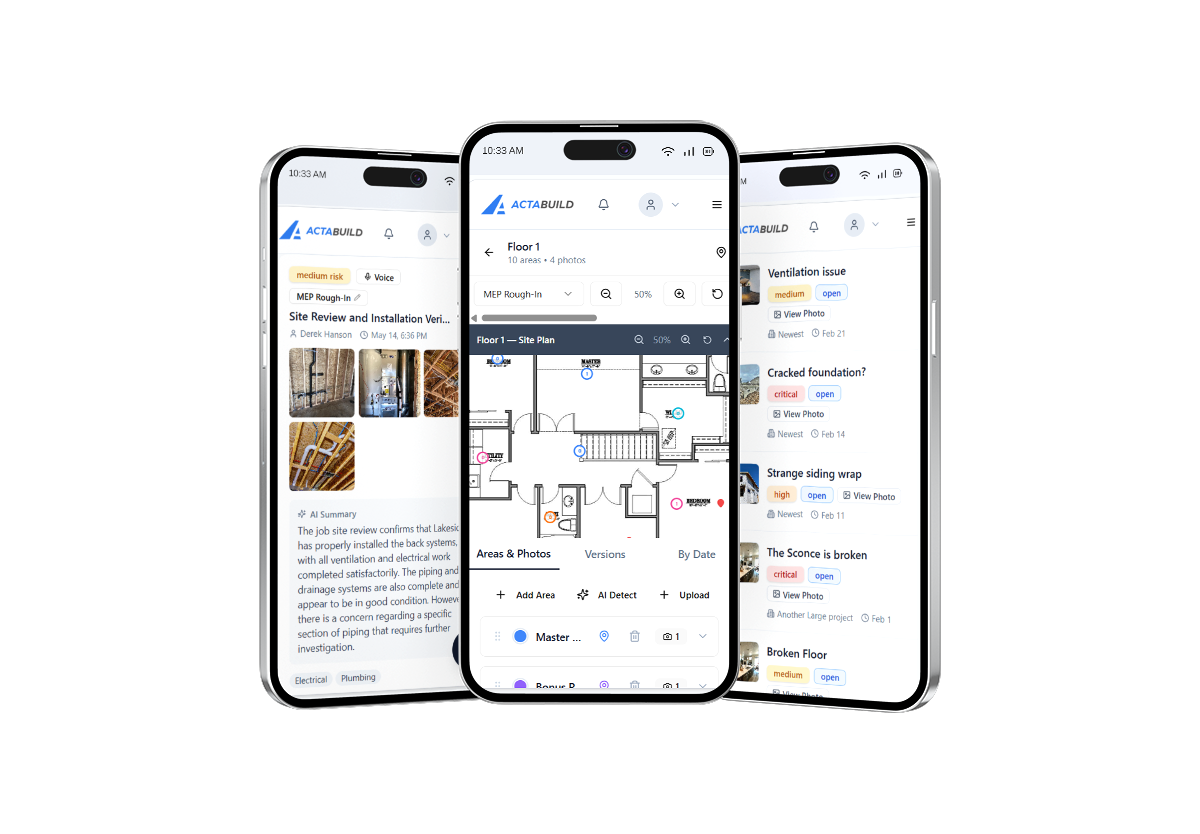
ACTABUILD is a construction photo app that helps project teams keep field photos organized by project, location, milestone, and issue.
Your team may already be taking photos on site. ACTABUILD gives those photos a more useful place to live.
Instead of relying on camera rolls, folders, or message threads, ACTABUILD helps connect photos to the actual project record so they are easier to review, share, and use later.
Use ACTABUILD to document progress, capture important construction stages, organize 360 photos, track visible issues, and build a clearer visual history of the job.
A Construction Photo App Built for Real Jobsites
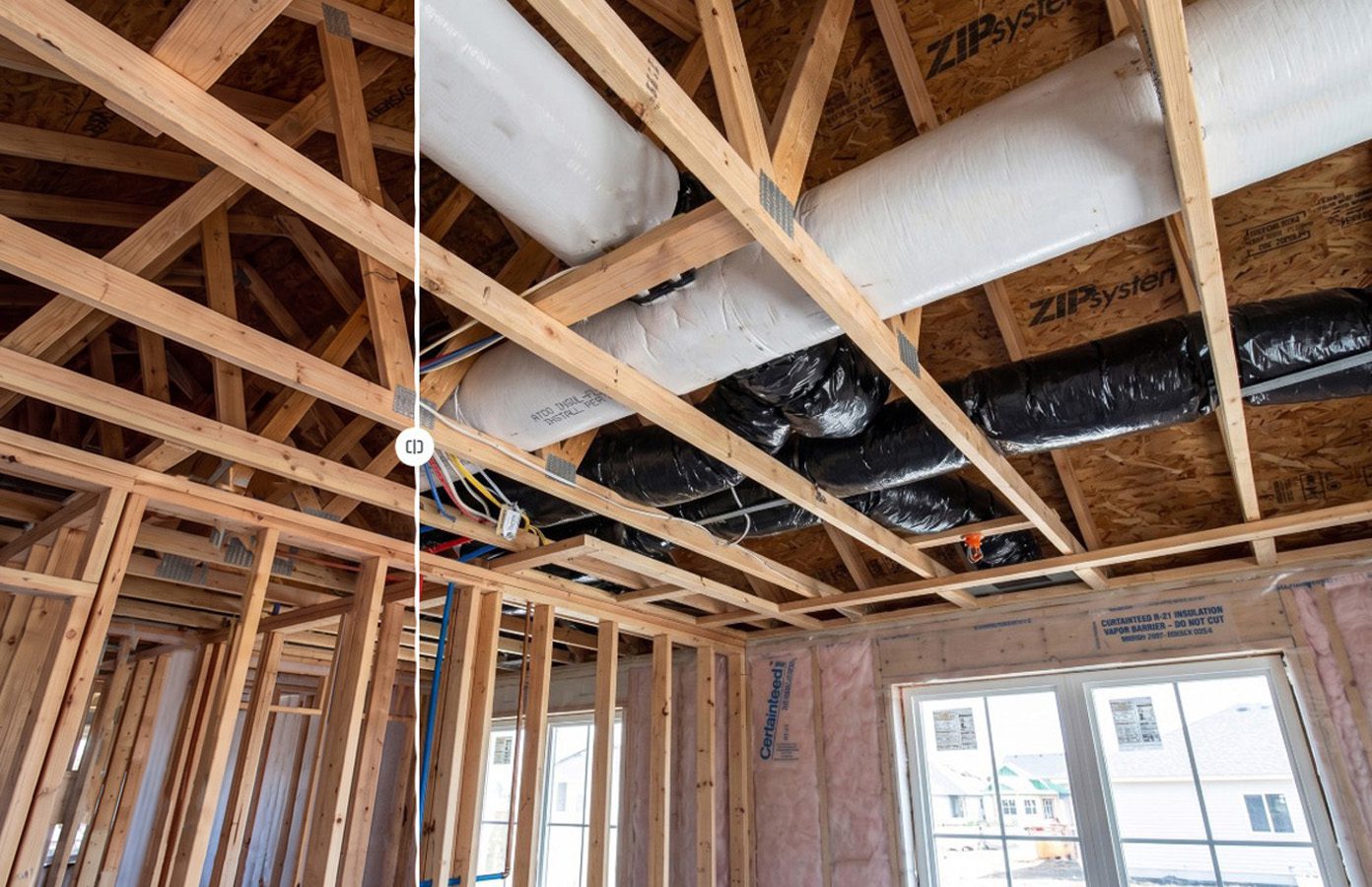
Construction photos are not all used the same way.
Some are taken to show progress.
Some are taken before work is covered.
Some are taken to answer an owner’s question.
Some are taken to document an issue.
Some are taken for closeout, warranty, or future reference.
ACTABUILD helps give each photo more context so the team can understand why it was captured and where it belongs in the project.
Photos can be organized by:
- Project
- Date
- Milestone
- Floor plan location
- Room or area
- Issue
- Photo type
- 360 location
The result is a construction photo system that is easier to navigate than a loose folder of images.
A Jobsite Photo App With Project Context
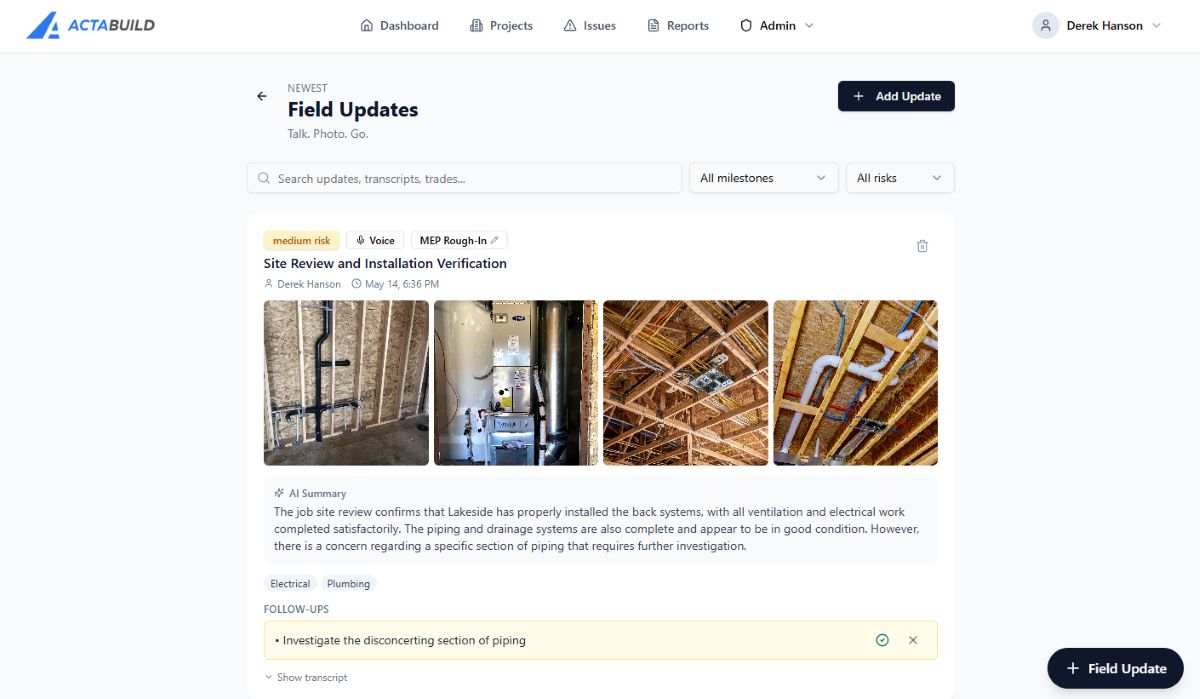
ACTABUILD works as a jobsite photo app for builders, contractors, owners, developers, and project teams that need a cleaner way to manage field documentation.
Each project can become a visual record of what happened on site.
Instead of asking the team to remember where every image belongs, ACTABUILD helps organize photos around project structure.
For example:
- A framing photo can be connected to the framing milestone.
- A rough plumbing photo can be tied to a room or plan location.
- A pre-drywall photo can become part of the hidden work record.
- A 360 photo can give the team a broader view of the space.
- An issue photo can be connected to a note or follow-up item.
- A closeout photo can be saved as part of the final project archive.
This makes the app more useful than simple photo storage.
Why Use a Construction Photo App?
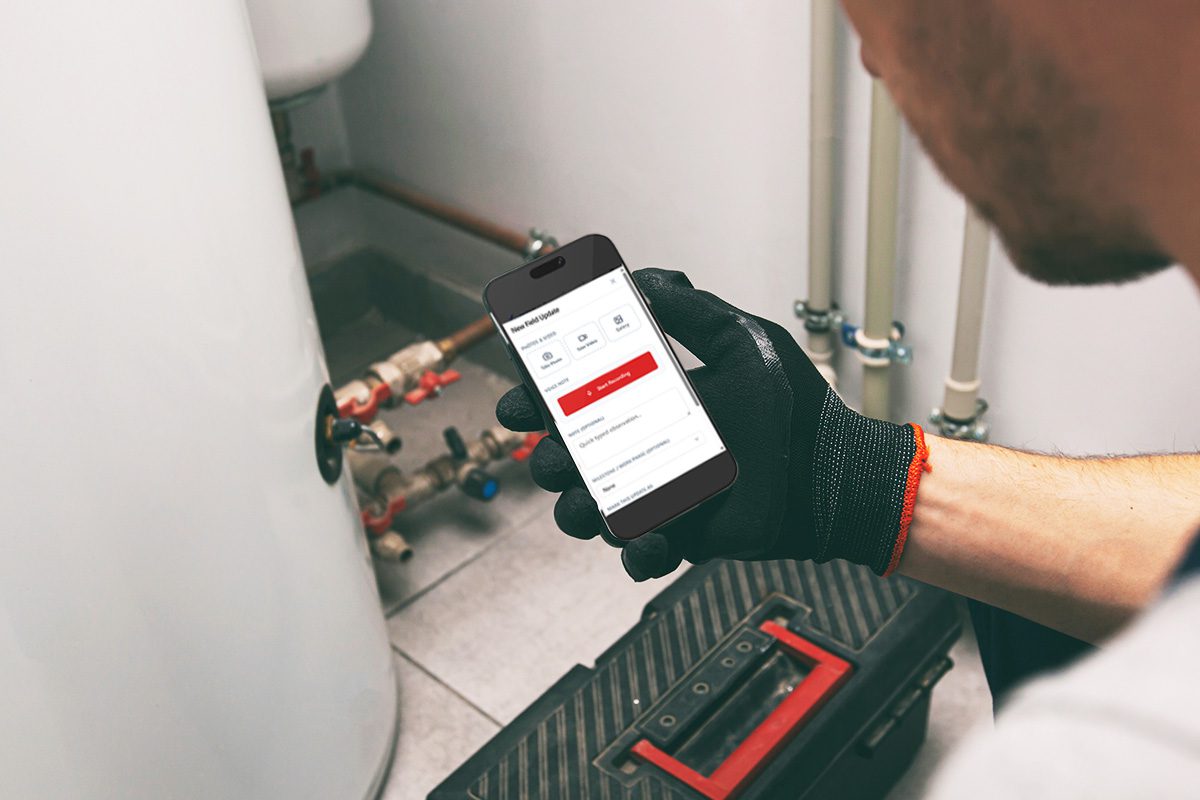
A regular photo folder can store images.
A construction photo app should help your team understand them.
On a jobsite, the value of a photo depends on context. A photo of framing, plumbing, electrical, insulation, or finished work is much more useful when your team knows where it was taken, what stage it belongs to, and why it matters.
ACTABUILD helps construction teams create a more organized record of the project by keeping photos tied to the jobsite details that matter.
That can help when teams need to:
- Review progress
- Look back at hidden work
- Share updates with owners
- Check what changed between visits
- Document visible issues
- Support warranty questions
- Prepare closeout records
- Reference past conditions
The goal is not just to take more photos.
The goal is to make the photos easier to use.
What You Can Document With ACTABUILD
ACTABUILD can be used throughout the construction process.
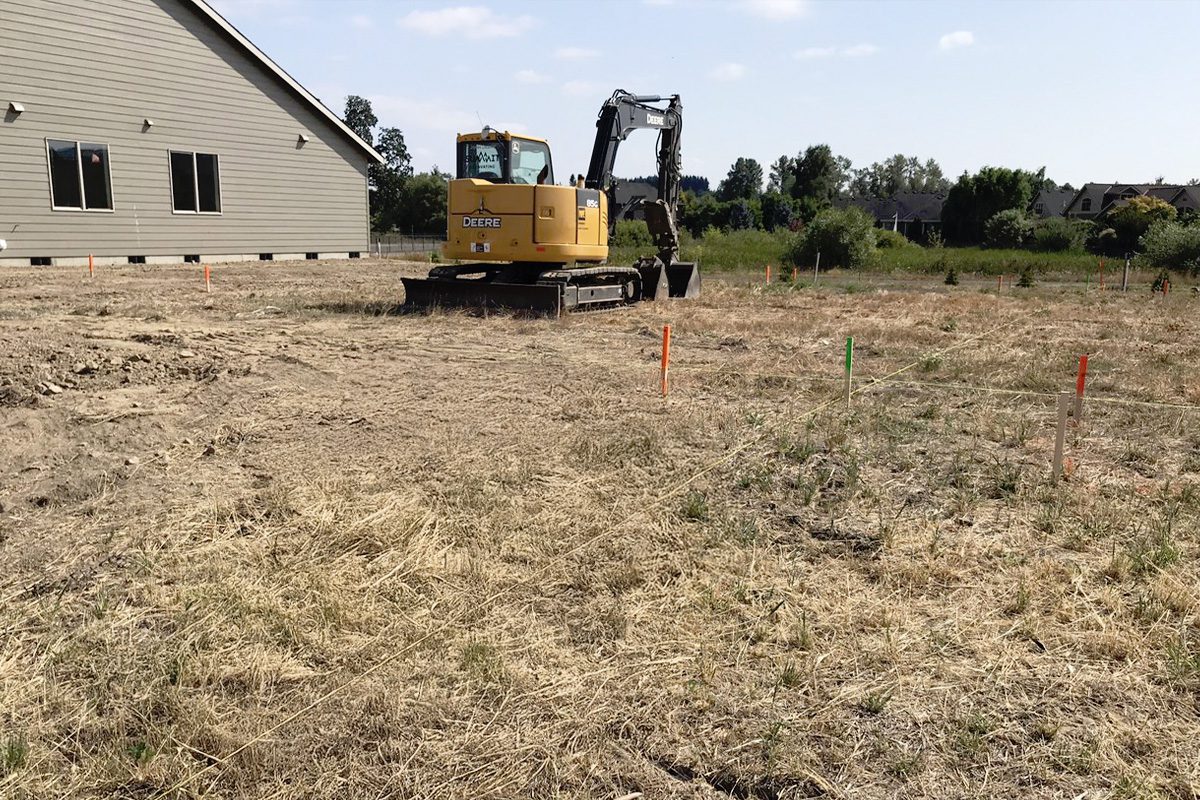
Progress Photos
Capture visible progress and keep updates organized by date, area, and project stage.
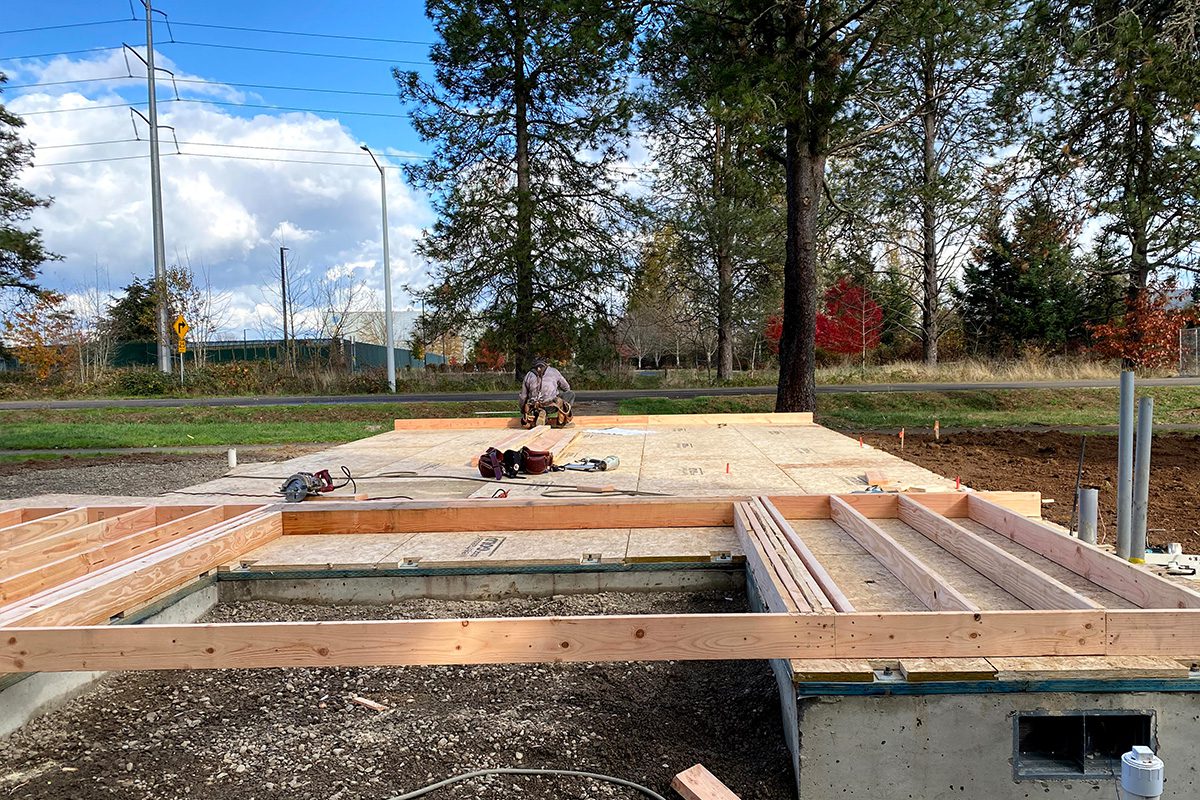
Pre-Cover Documentation
Document work before it is covered by drywall, concrete, finishes, ceilings, or other materials.
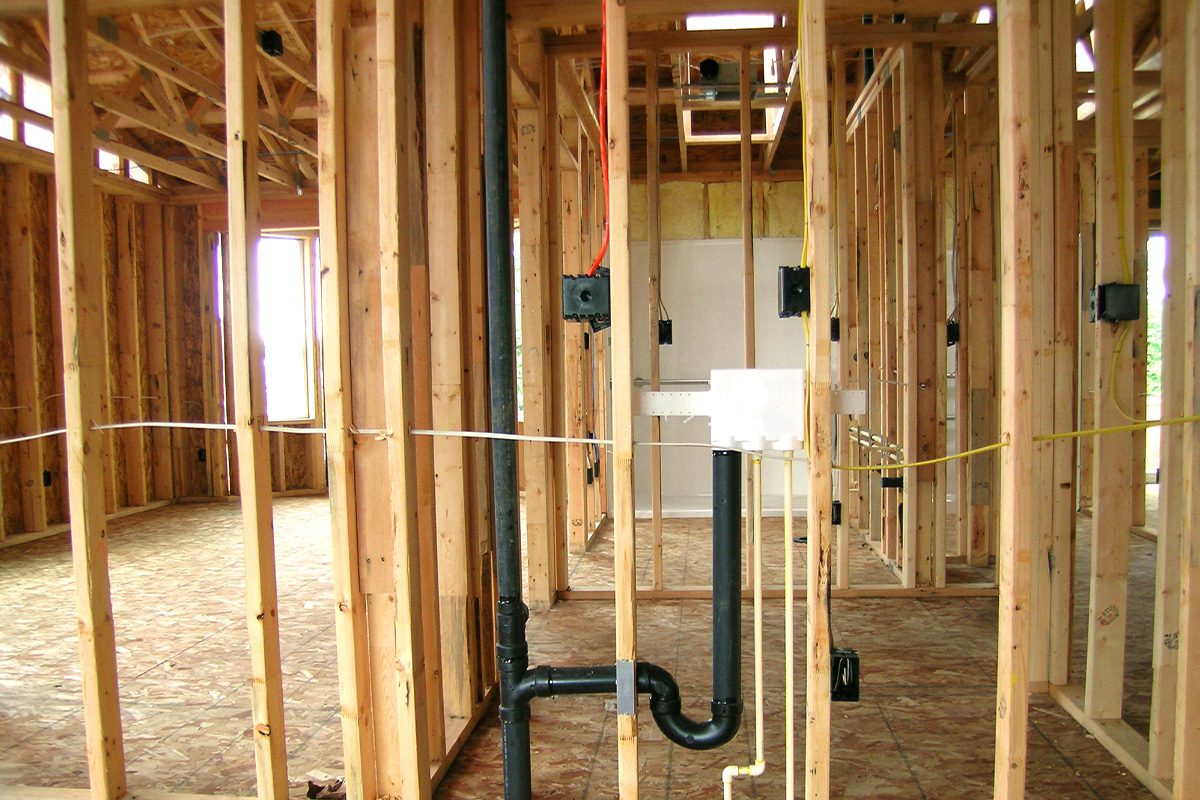
MEP Rough-In
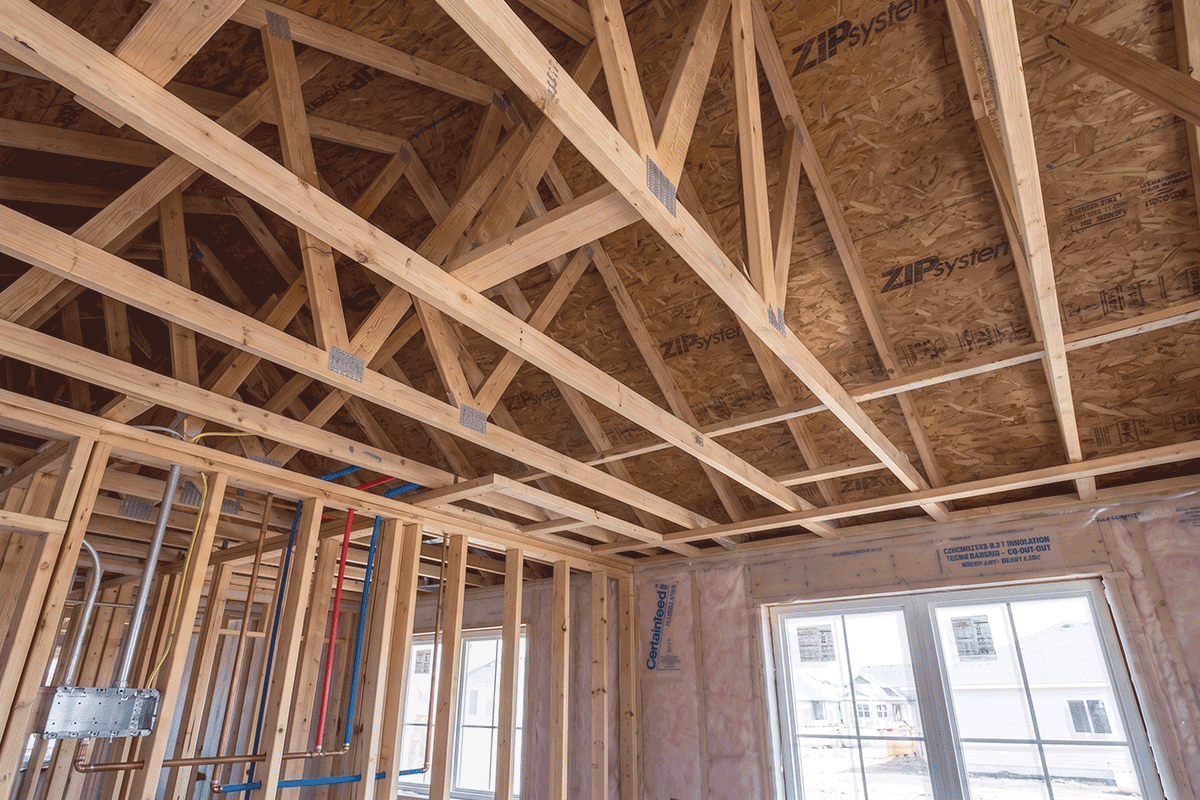
Keep a visual record of plumbing, electrical, mechanical, low-voltage, and other systems before they disappear behind finished surfaces.
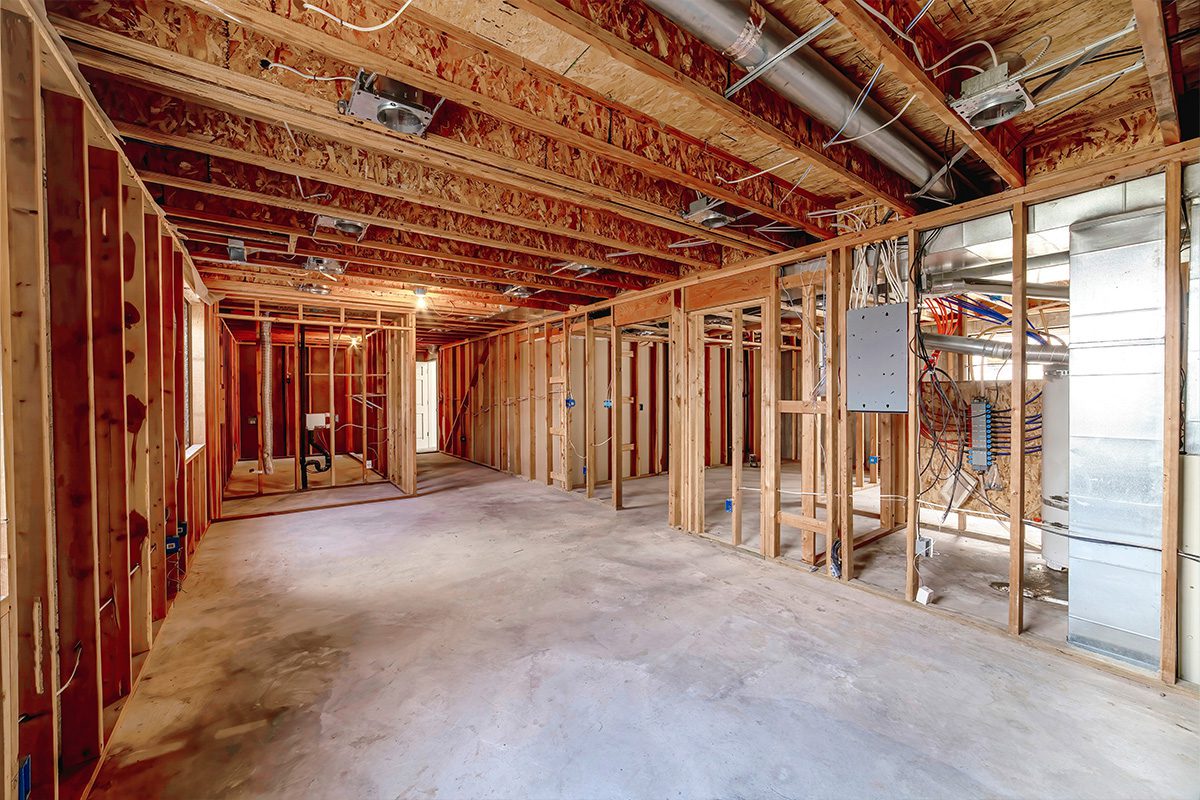
Framing and Structural Details
Capture wall framing, blocking, openings, bracing, and other details that may matter later.
360 Jobsite Photos
Add 360 photo documentation to give the team a broader view of rooms, work areas, and site conditions.
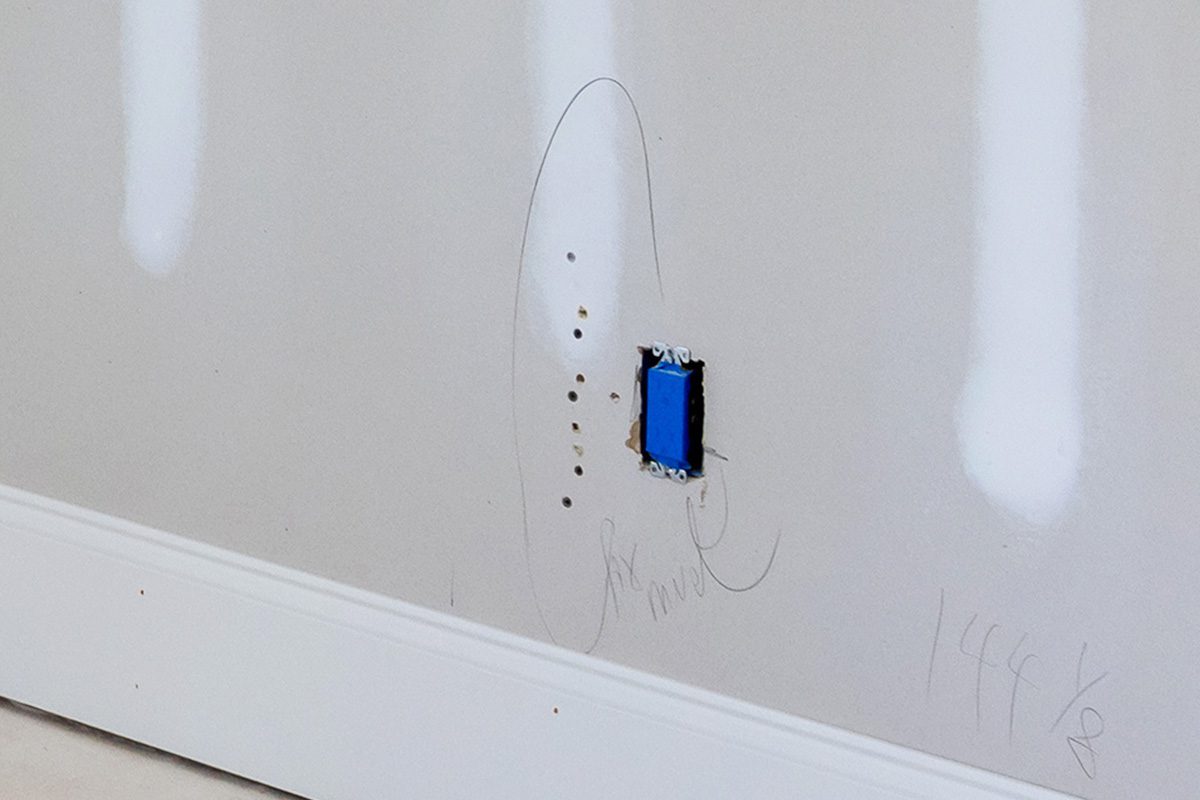
Issue Photos
Document visible concerns, open items, or conditions that need review.
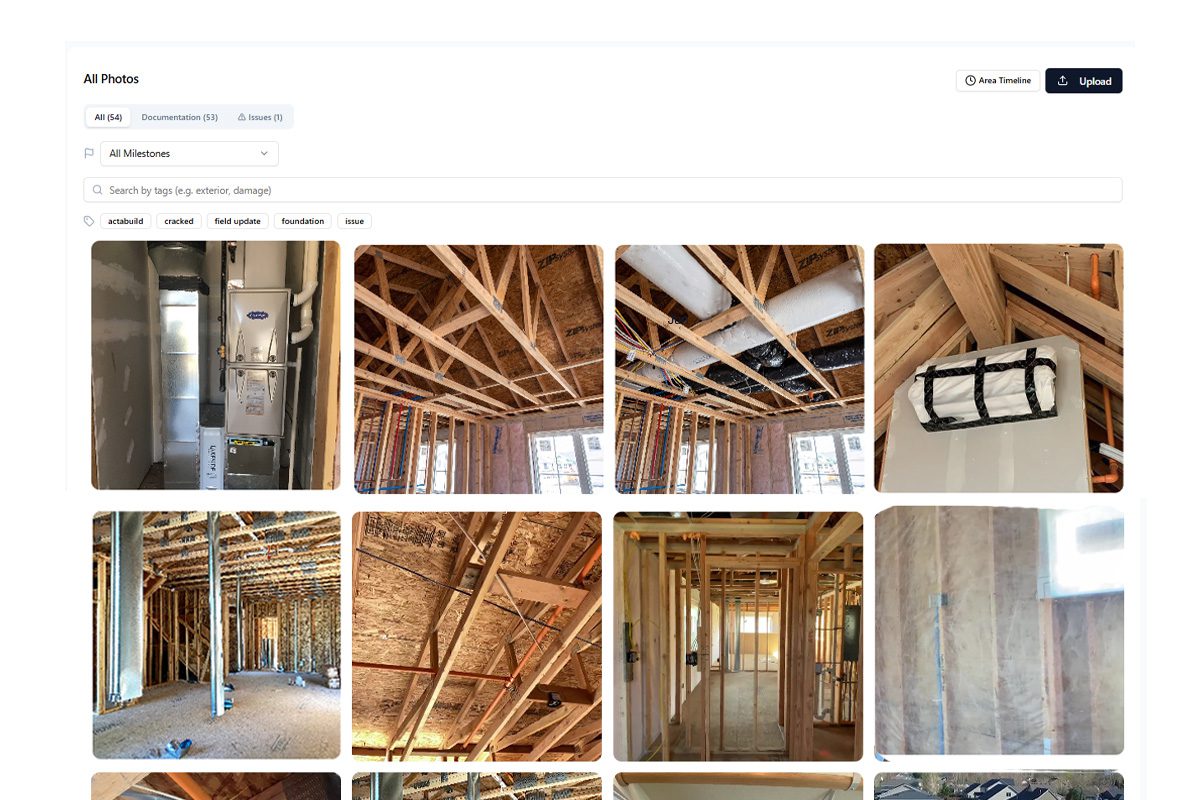
Owner and Developer Updates
Share organized visual updates with people who are not on site every day.
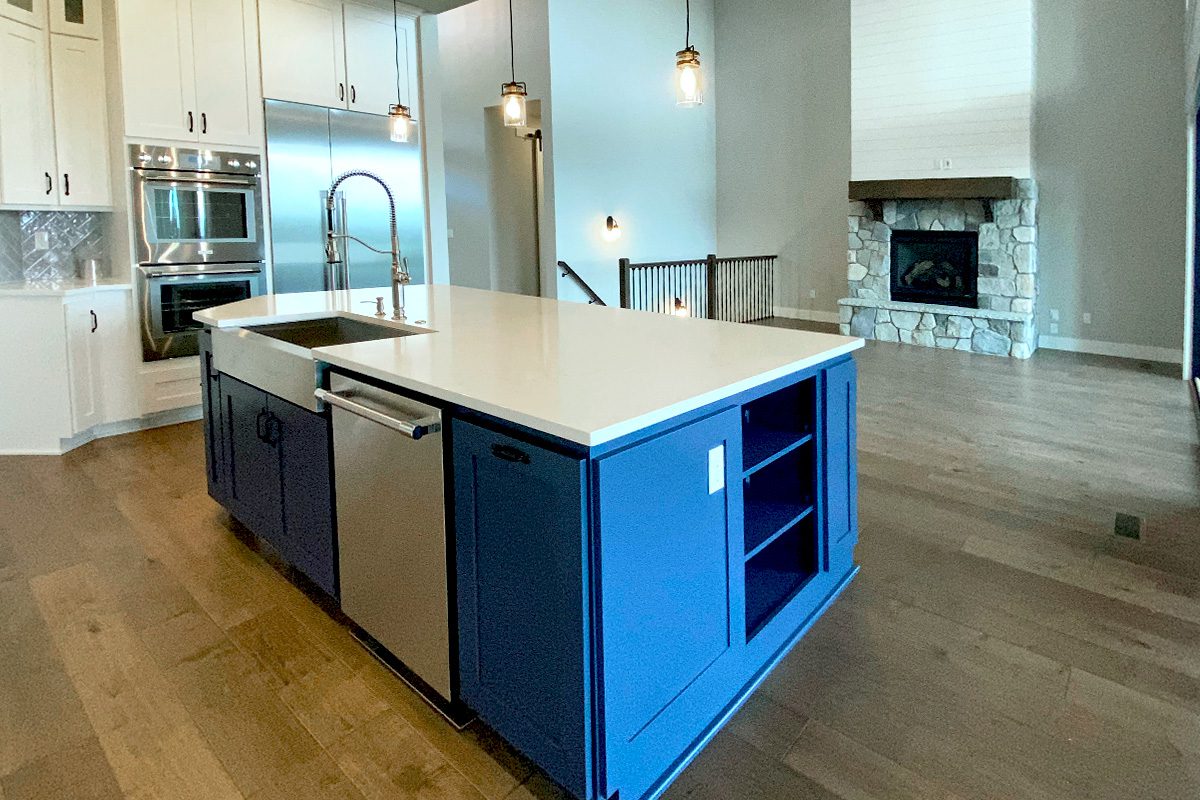
Closeout and Warranty Records
Keep a project archive that can help answer questions after the work is complete.
Construction Photos Organized by Floor Plan
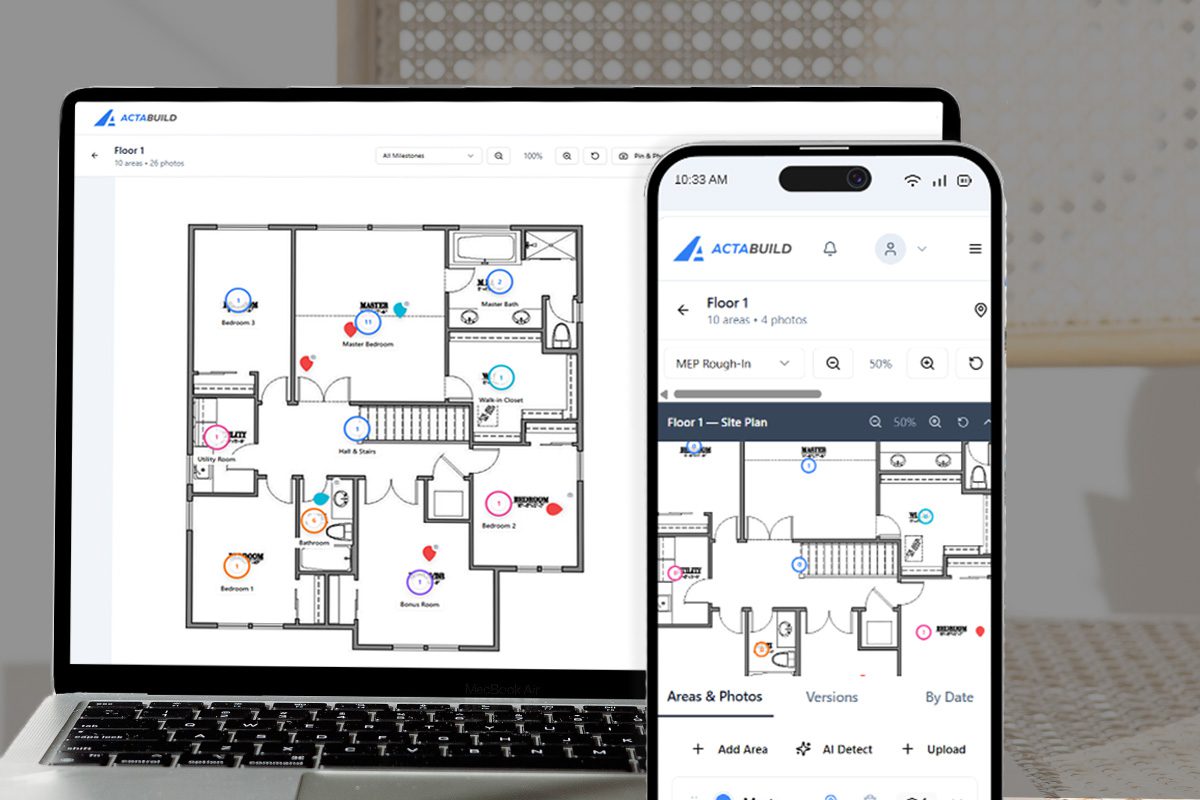
One of the biggest challenges with jobsite photos is location.
A photo may clearly show the work, but if the team does not know where it was taken, the value drops quickly.
ACTABUILD helps organize photos by floor plan location, room, and project area.
This is helpful when reviewing:
- Wall conditions
- Ceiling conditions
- Rough-in locations
- Room-by-room progress
- Hidden systems
- Finish work
- Punch list items
- Warranty questions
Floor plan-based photo organization helps project teams move from a pile of images to a more useful visual map of the job.
Who is the Construction Photo App for?
Builders
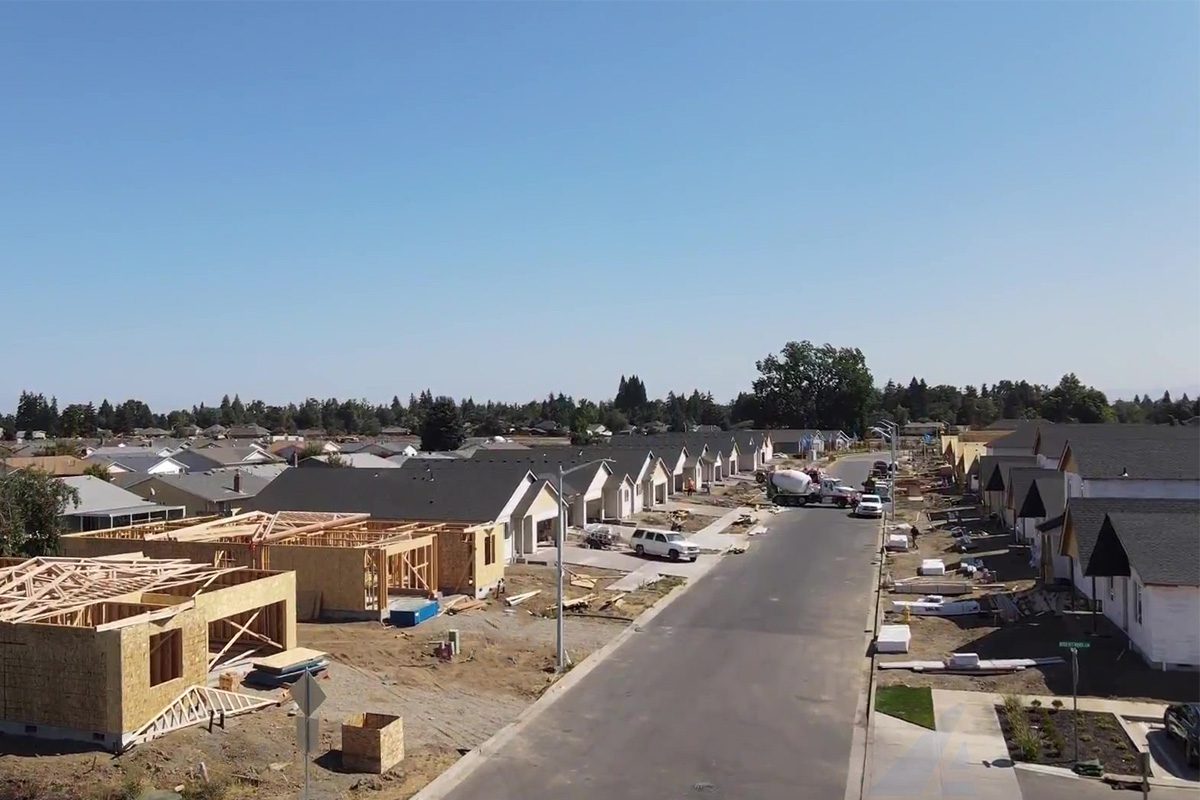
Builders can use ACTABUILD to document key stages of a home or residential project.
This is especially useful for:
- Homeowner milestone updates
- Pre-drywall documentation
- Rough-in records
- Selections follow-up
- Warranty reference
- Closeout documentation
- Future remodel reference
For builders, a construction photo app can help turn routine project photos into a better communication and documentation tool.

Built for General Contractors
General contractors can use ACTABUILD to keep project documentation easier to review across teams and phases.
Use it to support:
- Superintendent updates
- Project manager review
- Owner communication
- Trade coordination
- Issue documentation
- Progress records
- Closeout packages
When photos are tied to project context, they are easier for office and field teams to use together.

Owners and Developers
Owners and developers often need visibility without walking the site every day.
ACTABUILD helps create a visual project record that can be reviewed from one place.
Use it to see:
- What work has progressed
- What areas were documented
- What issues need attention
- What milestones have been captured
- What the project looked like at different stages
For owners and developers, organized photo documentation can make project updates easier to follow and easier to reference.
Project Managers and Superintendents
Project managers need photos that help answer questions quickly.
ACTABUILD helps reduce the time spent searching through disconnected images by organizing photos around the project itself.
This can help with:
- Meeting preparation
- Owner questions
- Internal updates
- Change discussions
- Site condition review
- Warranty follow-up
- Documentation requests
The app gives project managers a clearer way to find the right visual record when they need it.
Jobsite Documentation Methods and Tools
Project-Based Photo Organization
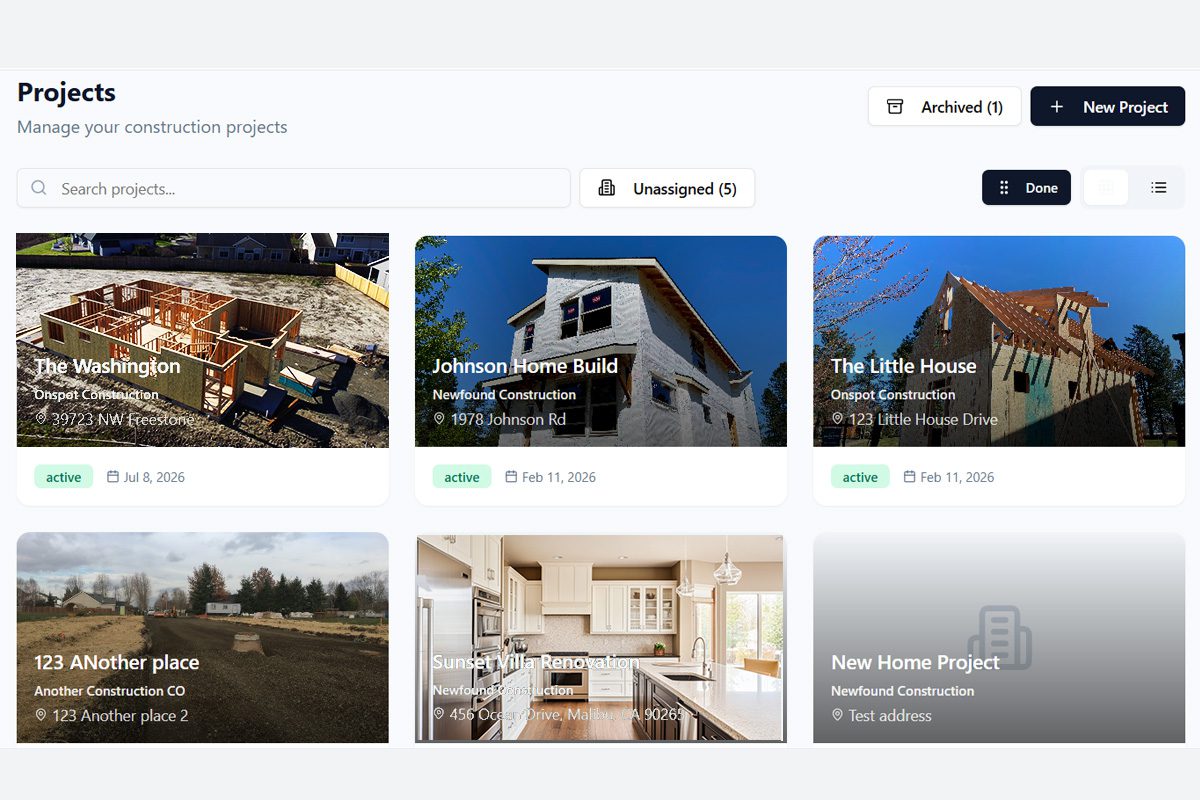
Keep photos grouped by project so each job has its own organized visual record.
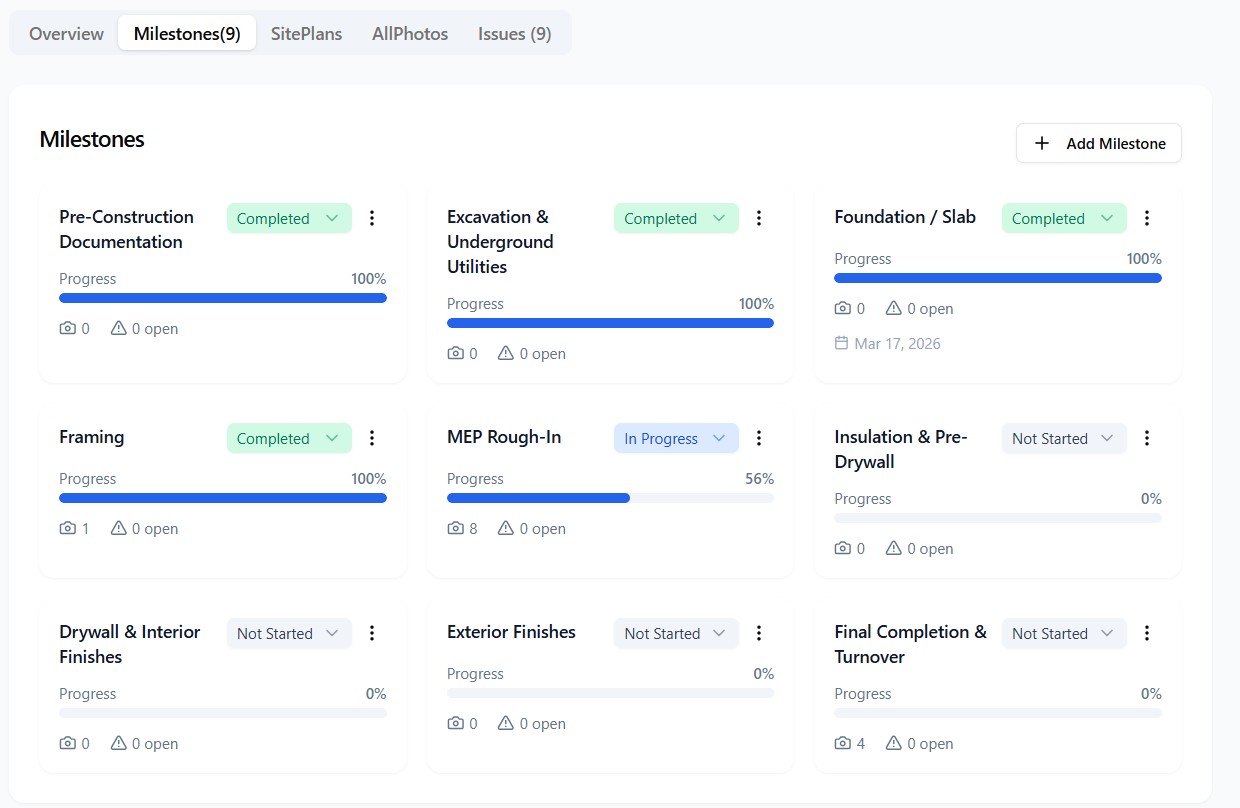
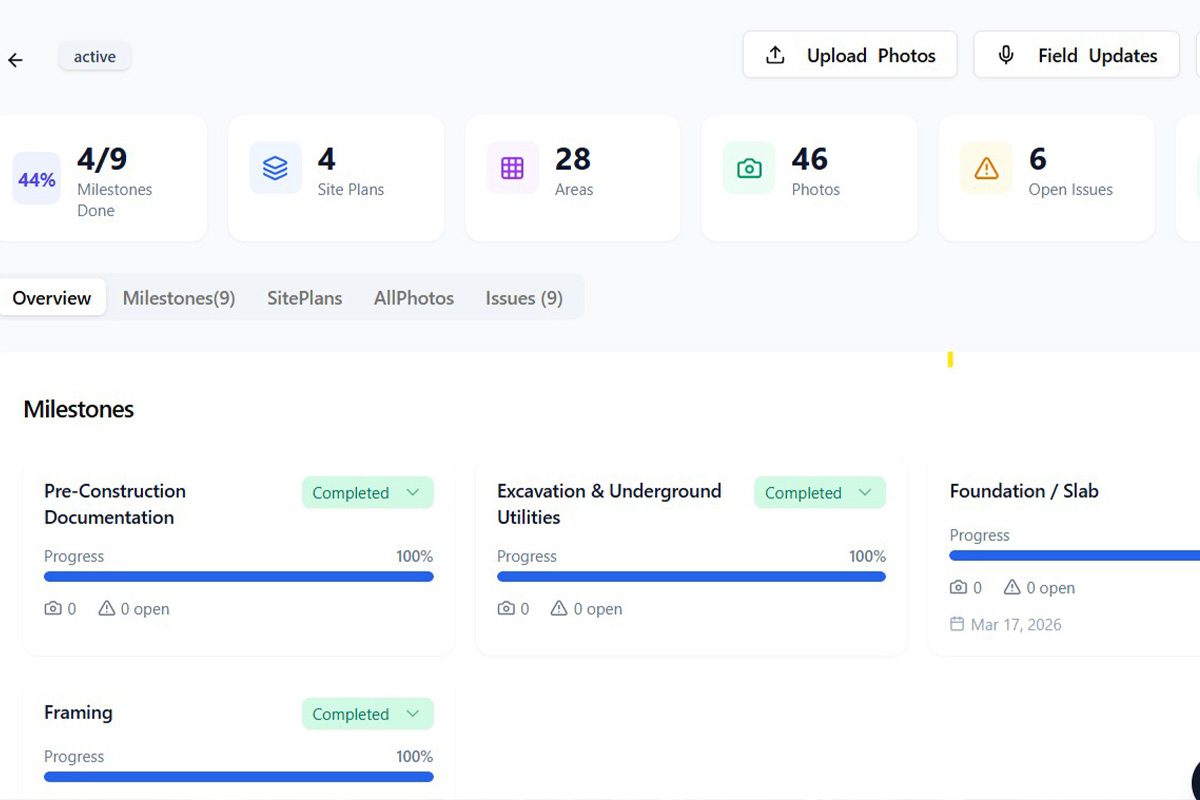
Milestone Tracking
Connect photos to important stages such as foundation, framing, rough-in, insulation, pre-drywall, finishes, punch list, and closeout.
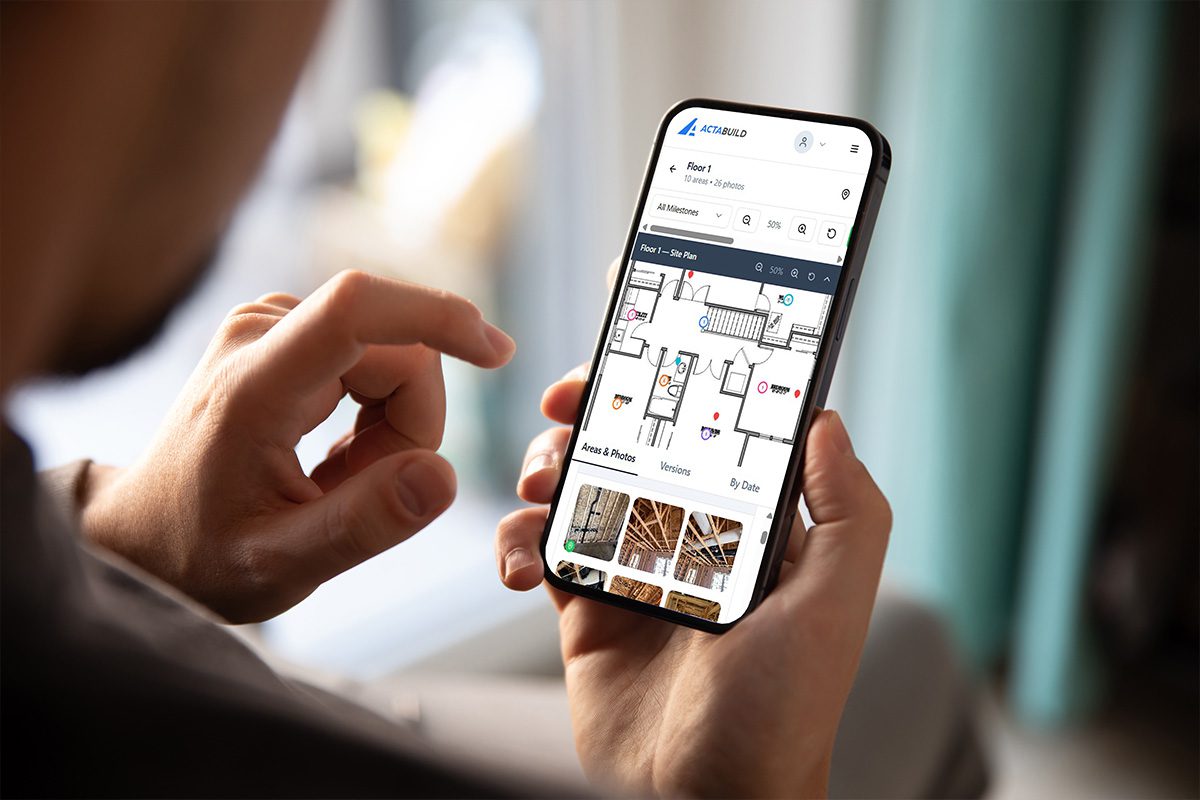
Floor Plan Locations
Tie photos to rooms, spaces, or areas so the team knows where the work was documented.
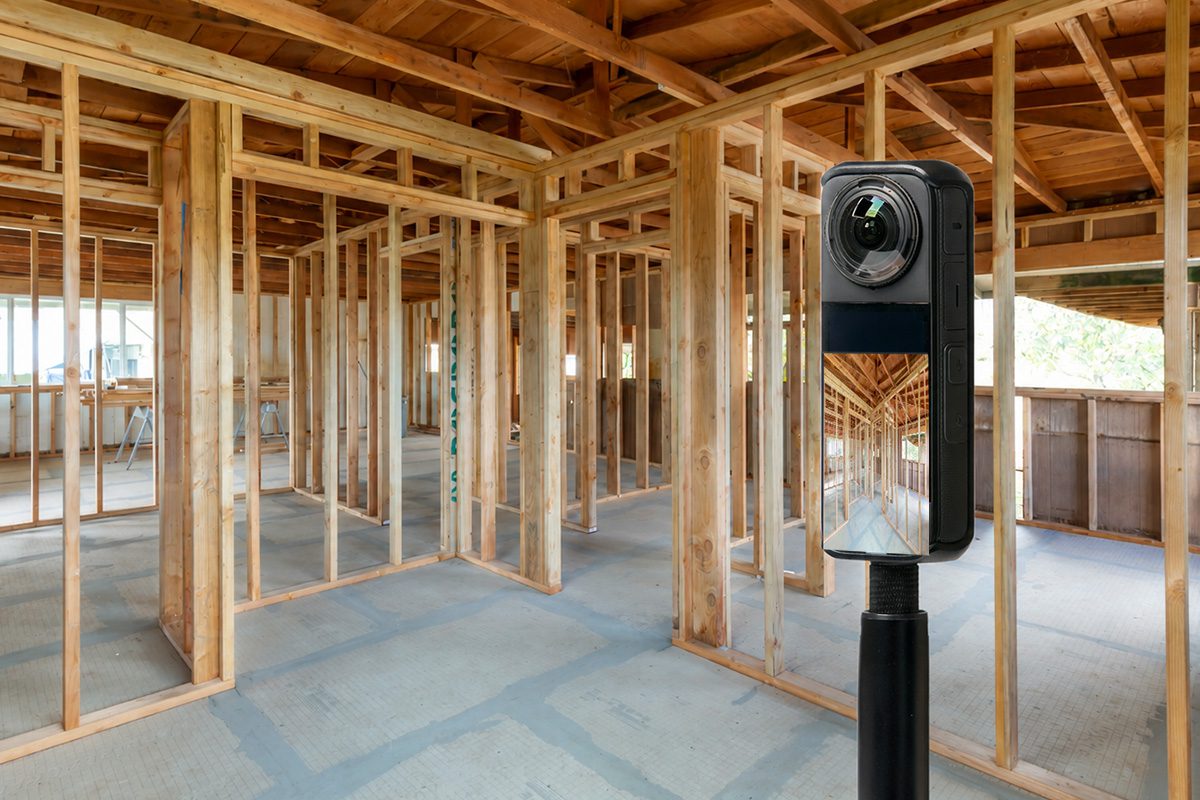
360 Photo Support
Use 360 images to capture more complete views of rooms, interiors, and site conditions.
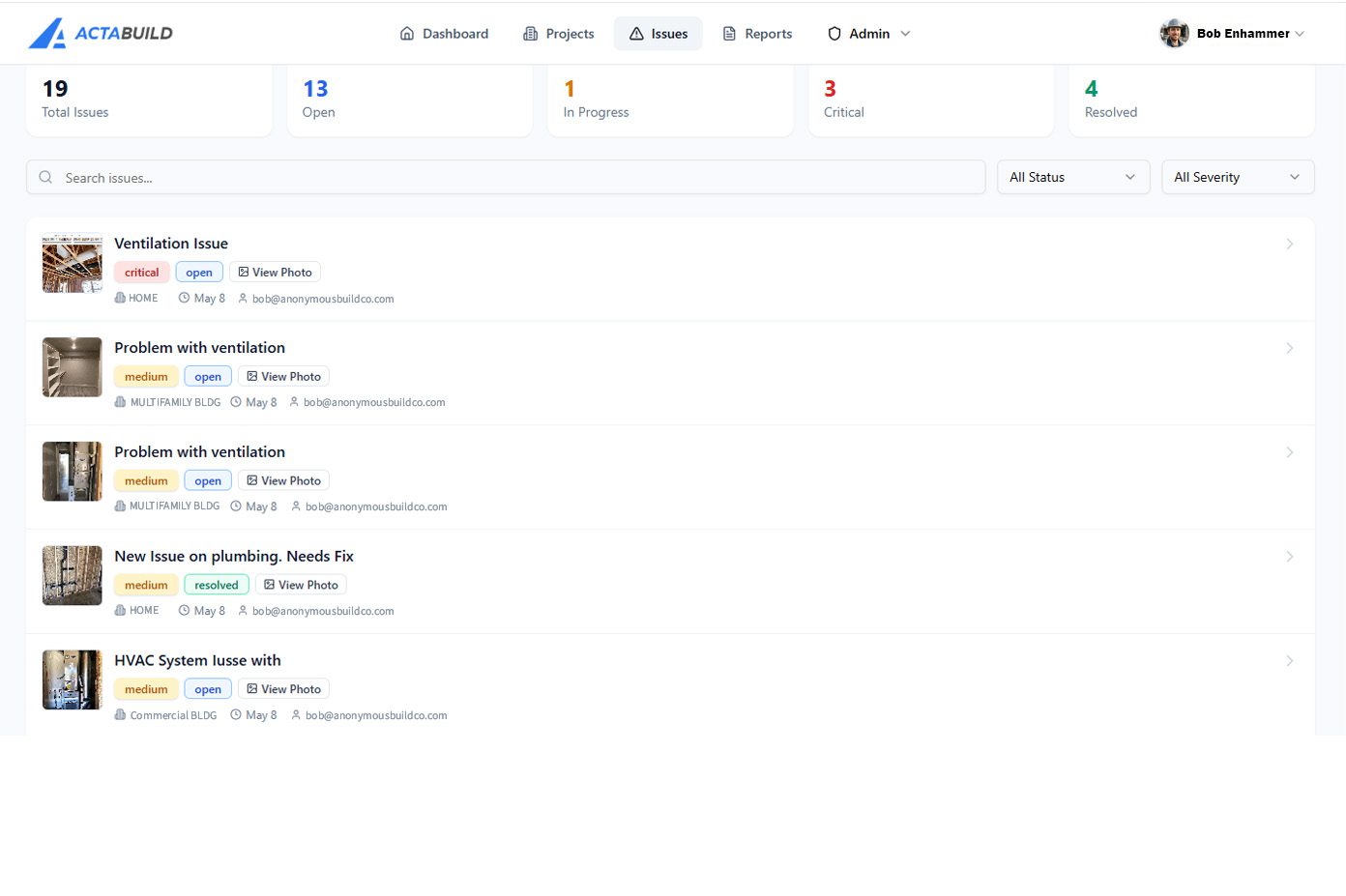
Issue Documentation
Add photo-based notes for visible items that need attention or follow-up.
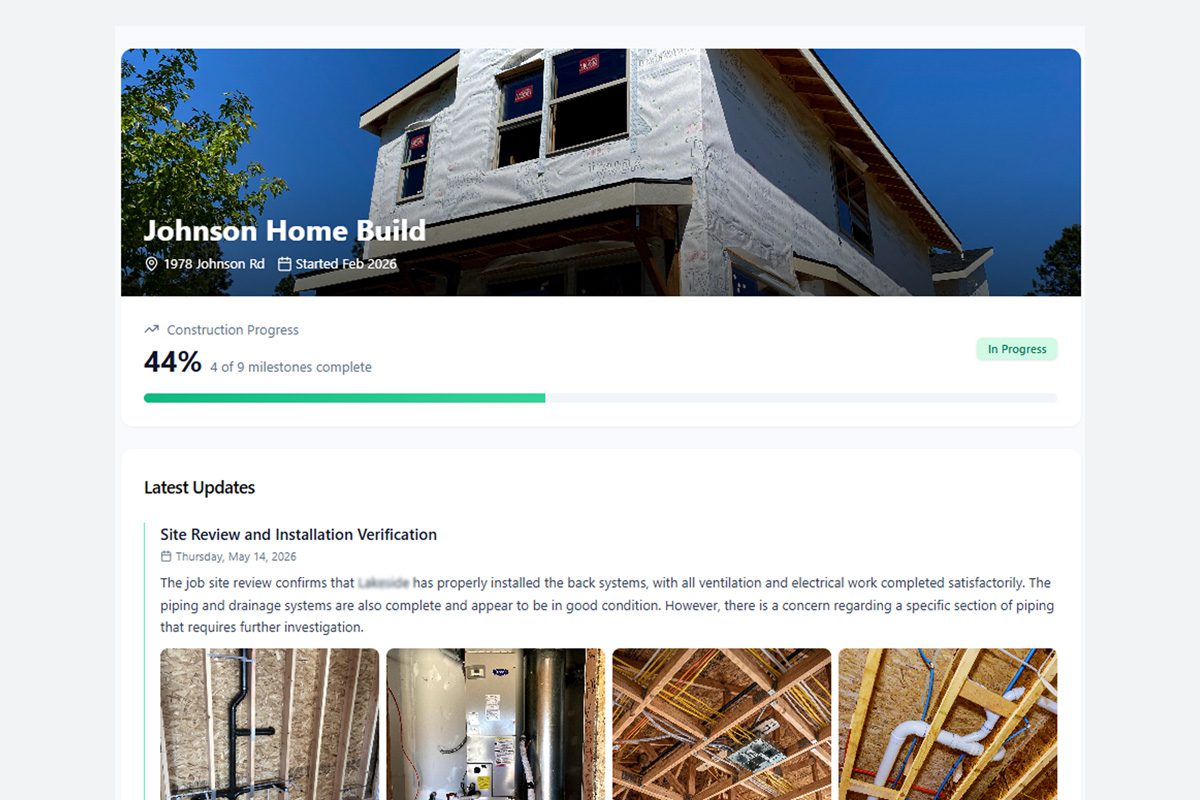
Shareable Project Views
Share relevant documentation with team members, owners, developers, or stakeholders.
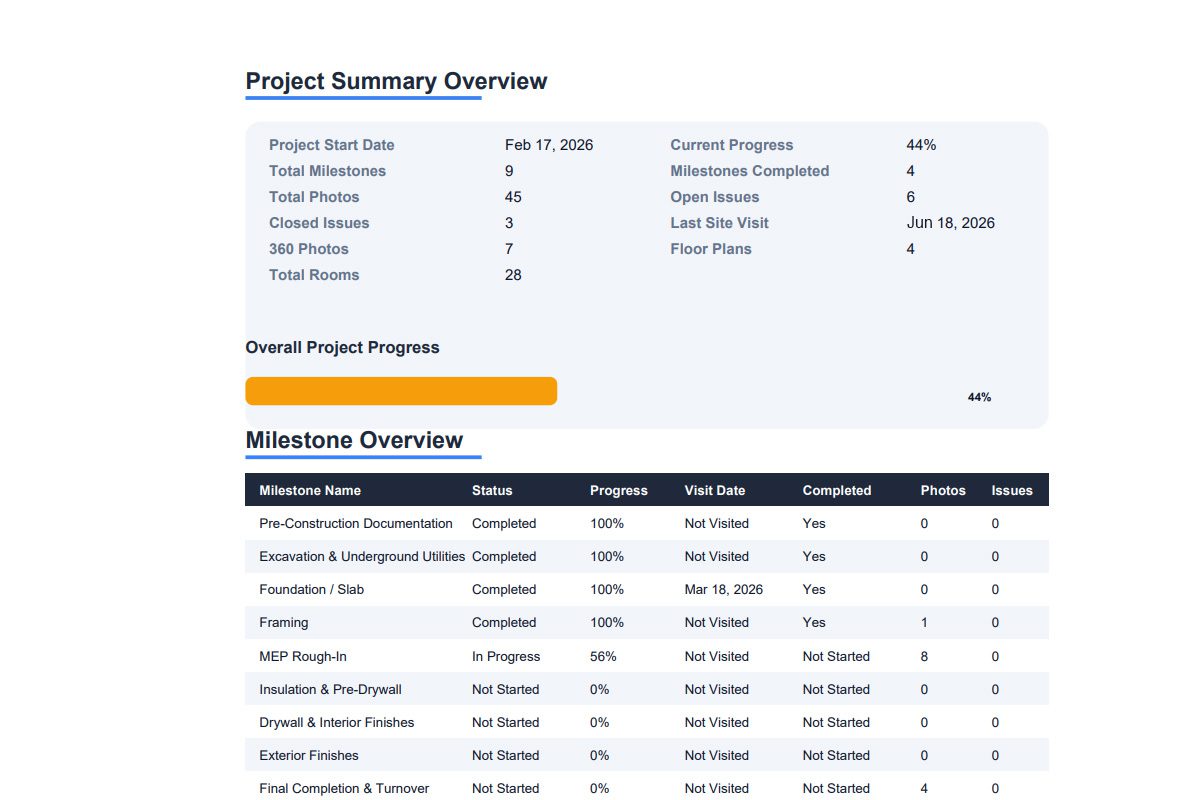
Reports and Archives
Create a clearer record for progress review, closeout, warranty, and future reference.
A Better Home for Construction Photos

ACTABUILD is not meant to replace every construction tool your team uses.
It is designed to give your photos a better home.
Your team may still use project management software, shared drives, email, text messages, or internal reporting tools. ACTABUILD can support those workflows by keeping the photo documentation more organized and easier to reference.
Use ACTABUILD when you need a visual record that is:
- Organized by project
- Connected to location
- Built around milestones
- Useful for updates
- Helpful for review
- Easier to share
- Easier to return to later
Use the App Yourself or Get Documentation Support
Some teams want to manage their own photo documentation.
Other teams want help capturing important milestones.
ACTABUILD can support both.
Your team can use the app to organize and manage construction photos internally, or ACTABUILD can help with documentation visits where still photos and 360 photos are captured and organized for you.
Done-for-you documentation may be useful for:
- Pre-drywall milestones
- Busy project teams
- Owner update visits
- 360 photo capture
- Commercial progress documentation
- Residential milestone documentation
- Projects that need a more consistent visual record
This gives your team flexibility. Use the app, get documentation support, or combine both.
Construction Photo App vs. Basic Photo Storage
| Basic Photo Storage | ACTABUILD Construction Photo App |
|---|---|
| Stores images | Organizes photos around the project |
| Uses folders | Uses project, milestone, and location context |
| Photos can be hard to interpret later | Photos are connected to where and why they were captured |
| Limited jobsite structure | Built around construction documentation |
| Not tied to milestones | Supports construction phase tracking |
| Separate from issue notes | Connects photos with issue documentation |
| Harder to use for closeout | Supports project records and archives |
When ACTABUILD Is Useful
ACTABUILD can help when your team needs a better way to document and review:
- Pre-drywall conditions
- Rough-in work
- Framing progress
- Mechanical, electrical, and plumbing systems
- Owner updates
- Developer updates
- Site conditions
- Field issues
- Punch list items
- Closeout documentation
- Warranty questions
- Future renovations or repairs
If the photo may matter later, it should be easier to find later.
START DOCUMENTING TODAY
Important project details should not disappear into text threads, forgotten folders, or memory.
Get Help Documenting Your Next Project