
When a Jobsite Starts to Drift
How Construction Progress Documentation Gives Home Builder Owners Clarity
A job can look fine until missed handoffs, unresolved issues, and small delays begin to compound. Consistent documentation helps owners see that drift before it becomes a crisis.
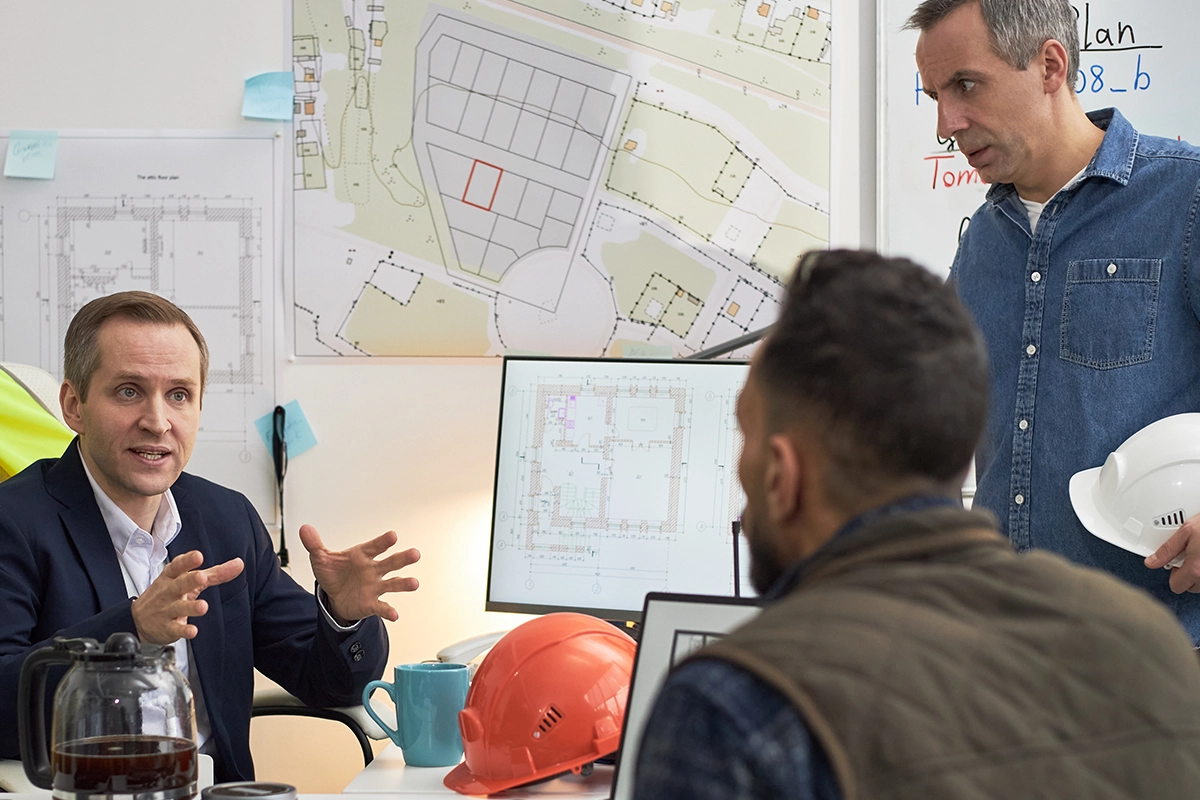
Having worked for a home builder, I saw one operational challenge repeatedly: the owner could not be everywhere at once. He was often in the office working on budgets, financing, hiring, staffing, and the other decisions required to keep the company moving. Meanwhile, several active jobsites depended on superintendents to keep the work on schedule.
That arrangement requires trust. It also requires visibility. On one project, the site would gradually drift. There were usually early signs that work was falling behind or coordination was breaking down, but those signs did not reach the owner in a clear, consistent way. By the time the problem was obvious, it felt sudden and severe. On at least one occasion, the situation ended with someone losing his job.
The lesson was not that an owner should distrust the superintendent. It was that trust should not be the only source of jobsite clarity. A dependable
construction progress documentation process gives the owner a regular view of what is happening, what is changing, and where help may be needed.
Jobsite Drift Usually Starts Small
A troubled project rarely becomes a disaster in a single day. Drift often begins with smaller conditions: a trade arrives before the site is ready, a correction remains open, materials do not arrive, an inspection is delayed, or a decision sits unanswered. Each issue may appear manageable by itself. Together, they can move the project away from the plan.
When updates are scattered across phone calls, text messages, personal camera rolls, and memory, the owner sees fragments instead of a pattern. Progress documentation creates a dated record that makes those patterns easier to recognize
Five Signs a Jobsite May Be Drifting
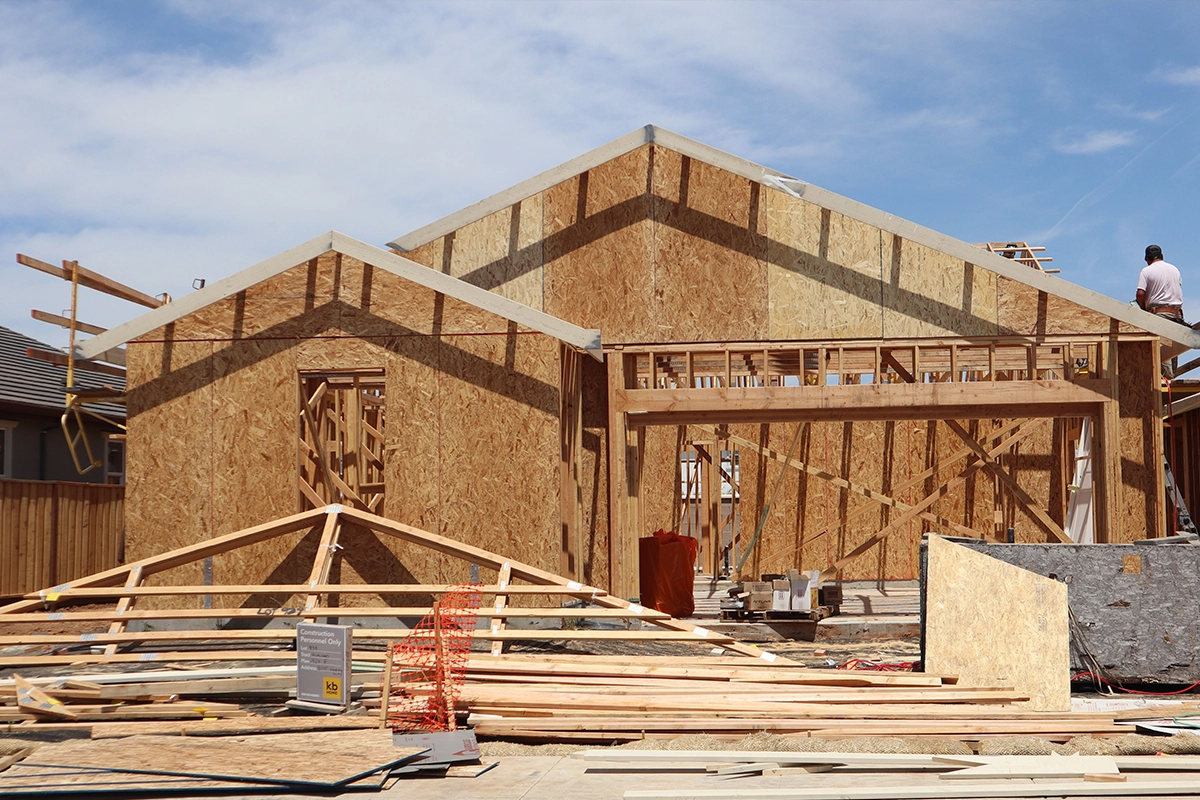
No single delay proves that a project is going off the rails. Construction always involves changes. The warning comes from repeated signals that show the site is no longer moving as expected.
- Trade handoffs are slowing down. The next trade cannot begin because prerequisite work is incomplete, unclear, or not ready for review.
- Milestones are not being completed. Target dates move repeatedly, but the project record does not clearly explain what changed.
- Meaningful updates are missing. Reports become vague, photos repeat the same views, or several days pass without evidence of real progress.
- Blocking events are piling up. Open decisions, material problems, corrections, and coordination issues accumulate faster than the team closes them.
- Inspections are failing. One failed inspection may be routine, but repeated failures or delayed reinspections can signal a deeper problem with readiness or oversight.
These indicators are most useful when they are tracked over time. An owner can then see whether a problem is isolated or whether the project is developing a pattern of missed handoffs, stalled milestones, and unresolved blockers.
Distance Creates a Jobsite Blind Spot

For many home builders, projects are spread across a wide service area. Visiting one site may require an hour or more in the truck. Visiting several can consume most of a day. That time matters when the owner is also responsible for sales, financing, staffing, vendor relationships, and future work.
The owner in this situation often drove to a project only after something felt wrong. Questions were increasing. Issues seemed to be stacking up. A site visit was necessary, but the response was already reactive. Instead of leading the business, he was pulled back into direct jobsite management.
Consistent jobsite photo documentation helps compress that distance. Dated progress photos, 360 images, field updates, and issue records allow an owner to review the site without treating every question as a reason to drive there. A remote review cannot replace every physical visit, but it can help the owner decide which sites actually need attention.
Having Software Does Not Create a Reporting Habit
The company already had construction management software. The problem was not a complete lack of tools. The problem was that progress reporting never became a clear enough priority. Updates were not consistently required, and the expected content was not well defined.
A platform can store information, but it cannot create accountability by itself. If a progress report is treated as optional paperwork, it will lose to the urgent work happening in the field. The reporting process needs a clear standard, a deadline, and someone responsible for completing it.
A useful progress update should answer a few basic questions:
- What work was completed since the last update?
- What phase or milestone is the project in now?
- What is blocking the next trade or inspection?
- What changed from the plan?
- What decision or support is needed from the office?
- What should happen next, and when?
When those questions are answered with organized photos and short field notes, the owner gets a much clearer picture than a general statement such as, “Everything is moving along.”
Define Important Documentation Intervals
Random photos are better than no photos, but they do not create a reliable progress record. Builders should define when documentation is expected as part of the construction process.
For a home build, those intervals may include site preparation, foundation, framing, rough mechanical, electrical and plumbing work, insulation, pre-drywall, finishes, punch work, and closeout. Longer phases may also need a weekly update so problems do not remain hidden between milestones.
The most important documentation moments are often the points when work is about to be covered or handed to the next trade. A missed update at those points can remove the opportunity to verify what was completed. 360 construction documentation can add broader visual context when a room-by-room or whole-site record is useful.
Make One Person Responsible
Every documentation process needs an owner. If everyone is generally expected to take photos, no one is clearly responsible for producing a complete record.
A builder has several workable options:
- Make the superintendent responsible for a defined update at each required interval.
- Assign an in-house project coordinator or documentation specialist to collect and organize updates across multiple sites.
- Outsource milestone photography and documentation when the internal team does not have the time or coverage to do it consistently.
- The right choice depends on the company and the project. If superintendents are spread too thin, it may be unrealistic to make a complete visual record depend on spare time they do not have. Outsourcing does not replace the superintendent's judgment. It provides another way to make sure the documentation actually gets completed.
Whichever model a builder chooses, the responsibility should be explicit. Define who captures the update, when it is due, what it must contain, and who reviews it.
Ease of Use Determines Whether the Process Lasts
Field teams are trying to keep trades moving, answer questions, prepare for inspections, and solve problems. The last thing they want is another complicated administrative task. The owner still needs updates, progress reports, and status information, but the process must reflect how busy the field team actually is. If documentation requires too many steps, uploads, folders, and naming decisions, it will be delayed or skipped.
A practical construction photo app should let a superintendent or trade partner capture information quickly from a phone and connect it to the correct project, milestone, room, floor plan, or issue. Short field updates, photo annotations, and issue tracking should reduce follow-up calls rather than create more work.
Ease of use is not just a product feature. It is part of the reporting strategy. When a busy superintendent can satisfy the reporting requirement in a few clear steps, the owner is more likely to receive consistent updates that are complete enough to be useful.
What a Minimum Useful Progress Update Should Include
A builder does not need a long report from every site every day. The goal is a short, repeatable update that provides enough context to spot changes and act. A minimum useful update can include:
- The date, project, and current construction phase
- Wide photos that show overall progress
- Closer photos of important work, conditions, or corrections
- A short summary of work completed
- Open blockers, delayed decisions, or upcoming risks
- The next expected trade, inspection, or milestone
The format should remain consistent from site to site. That consistency makes it easier for the owner to compare projects and notice when one job is no longer moving like the others.
Documentation Supports Trust
Construction progress documentation should not be framed as surveillance. A strong superintendent still needs room to lead the jobsite and solve problems. Documentation gives that superintendent a clearer way to communicate progress, request support, and show what is affecting the schedule.
Trust answers who is responsible for the work. Documentation answers what is happening. A healthy construction company needs both.
Better Clarity Before the Crisis
An owner should not have to wait until complaints, delays, and cost problems force an emergency trip to the site. With defined documentation intervals, clear responsibility, and an easy field process, the owner can see warning signs earlier and respond with better information.
ACTABUILD organizes jobsite photos, 360 images, floor plan locations, field updates, annotations, and issues inside one project record. Teams can use that record to review progress, communicate blockers, and create reports without rebuilding the story from text messages and personal camera rolls. Learn more about jobsite documentation or local construction documentation photography in Portland.