
How Construction Progress Documentation Keeps Field and Office Teams Aligned
The drywall crew is scheduled to start tomorrow. According to the project schedule, the area should be ready. But the superintendent knows there is still an unresolved rough-in conflict, one trade has not finished its work, and a decision from the office is holding up the next step.
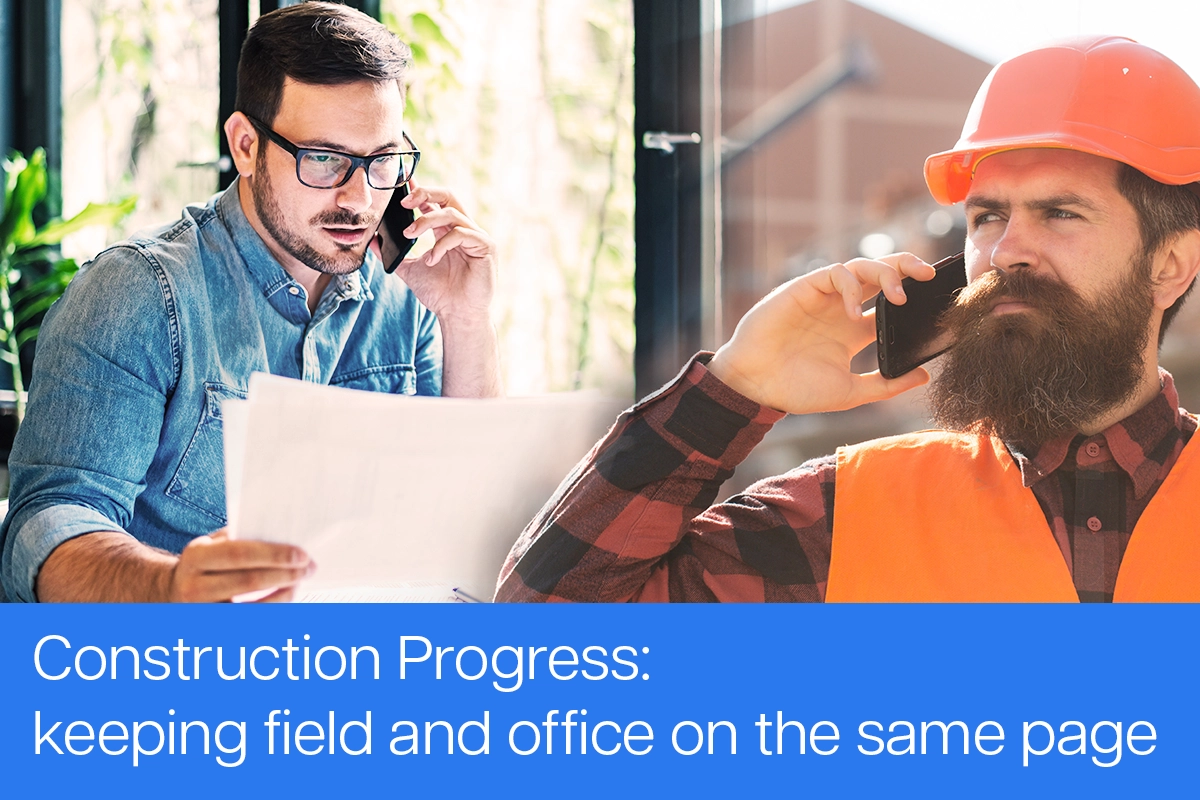
The field knows what is happening. The office sees what was supposed to happen.
That gap is where construction communication problems begin. A phone call may not reach everyone who needs the information. A text may be buried in a thread. A photo may show the condition without identifying the room, trade, milestone, or reason it matters.
Construction progress documentation helps close that gap by giving field and office teams a shared record of what has been completed, what is happening now, and what is preventing the project from moving forward.
The goal is not to give superintendents and trades more paperwork. It is to make important field information easier to capture, understand, and act on.
Progress Documentation Is More Than a Progress Report
A traditional progress report is often assembled after the workday or at the end of the week. It may summarize completed work, upcoming activities, manpower, weather, or delays. That report can be useful, but it does not always help when a decision is needed from the field right now.
Construction progress documentation is the ongoing project record behind those reports. It may include:
- Current jobsite photos
- Short field updates
- Voice or written notes
- Construction milestones
- Plan and room locations
- Issues and annotated photos
- Assignments and status changes
- Selected information for progress reports
Together, these records show more than whether activity took place. They help explain where the work occurred, what condition was observed, what changed, and whether something requires attention.
This is one part of a broader jobsite documentation process that connects field information to the project instead of leaving it scattered across phones, messages, email attachments, and shared folders.
The Field and Office Need Different Things From the Same Record
Superintendents and trade contractors are trying to complete work and move on to the next task. The last thing they want is another complicated form or reporting process.
The office has a different need. Project managers and administrators need enough context to make decisions, coordinate people, update stakeholders, and maintain an understandable project record.
The solution is not to give each group a separate version of the truth. It is to let them use the same information in different ways.
For the field, the workflow should be simple:
- Capture a photo.
- Identify the project and location.
- Add a short written or voice update.
- Mark the item as general progress or an issue.
- Send it to the people who need to respond.
For the office, that same update can become the basis for reviewing progress, assigning an issue, answering a question, communicating with a trade, or including selected information in a report.
The field does not need to build a polished report from the jobsite. It needs a fast way to capture accurate information while the context is still fresh.
Make Project Blockers Easy to Identify
General progress and project blockers should not be treated as the same thing.
A progress photo may show that framing has advanced or equipment has been installed. A blocker identifies something that could prevent a trade, milestone, or scheduled activity from moving forward.
Common blockers may include:
-
Materials that have not arrived
-
An area that is not ready for scheduled work
-
Incomplete work from an earlier phase
-
An unanswered request for a decision
-
Work that needs correction before the next trade begins
-
An installation conflict between trades
-
A visible site condition that requires review
When a blocker is reported, the office should be able to understand more than “there is a problem.” A useful issue record should answer:
-
Where is it? Identify the project, floor, room, zone, or plan location.
-
What was observed? Add a concise description with a supporting photo.
-
What is affected? Explain which task, trade, milestone, or scheduled activity cannot proceed.
-
Who needs to respond? Assign the person, company, or trade responsible for the next action.
-
What happens next? Record the requested decision, correction, or follow-up.
-
Where does it stand? Track whether the issue is open, in progress, or resolved.
This gives the office enough context to act without asking the field to write a long narrative.
Show the Condition Instead of Trying to Explain Everything
Construction conditions can be difficult to describe through text alone.
Someone in the field may report that a plumbing route is blocked, an opening is in the wrong location, or framing is preventing an installation. Without a photo and exact location, the office may still need several calls to understand which room, wall, or system is being discussed.
A visual issue record provides a common point of reference. The field team can photograph the condition, mark the relevant area, connect the image to a floor plan or room, and add a short explanation.
For example, an electrician arrives to begin rough-in work and finds that framing conflicts with the planned route. The electrician or superintendent can:
- Photograph the condition.
- Pin the issue to the correct plan location.
- Annotate the area that requires attention.
- Explain what work is blocked.
- Assign the issue to the appropriate team member.
- Update the status when a decision is made or the condition changes.
The office and field can now discuss the same documented condition. They do not have to search through camera rolls or determine which photo was sent to which person.
For additional guidance on preserving the information that gives field photos meaning, see these construction photo management best practices.
Keep Communication Connected to the Work
Phone calls and text messages will always be part of construction. The problem comes when they become the only record of what happened.
A superintendent may describe an issue by phone, text a photo to the project manager, and later forward the same image to a trade partner. The office may then ask for the photo again when preparing an owner update. Important details become divided among several conversations.
This is why texting alone is a poor system for jobsite communication. The people involved may understand the message at the time, but the photo, location, decision, and final outcome are not necessarily preserved together.
Construction progress documentation keeps the conversation connected to the relevant project, location, milestone, photo, or issue. Someone reviewing the record later can see what was reported and how the item progressed without reconstructing the story from separate message threads.
Turn Field Capture Into Office Action
Field documentation becomes more useful when it supports a clear handoff:
- The field captures the update. A superintendent or trade records the current condition with a photo and short note.
- The update is connected to the work. It is organized by project, location, milestone, trade, date, or issue.
- The office reviews the information. A project manager sees the visual context and determines what response is needed.
- The next action is assigned. The appropriate person or trade receives the issue and supporting information.
- The status is updated. The team can see whether the item remains open, is being addressed, or has been resolved.
- Relevant information is reported. Selected photos, progress, and issues can be included in an owner, milestone, or internal update.
This process creates accountability without requiring the field to produce more paperwork. It also gives the office a clearer view of open blockers without repeatedly calling the superintendent for a general update.
When a formal update is needed, the existing project record can make it easier to assemble a useful report. See what should be included in a construction photo report for a practical reporting structure.
Ease of Use Is a Field Requirement
Ease of use is not simply a convenience. It affects whether information is captured consistently.
If reporting an issue requires returning to the trailer, opening a laptop, finding a form, and writing several paragraphs, the update is more likely to be delayed or skipped. Field teams need a focused workflow that fits between the work they are already doing.
They should be able to open the project, capture a photo or short voice update, identify the location, and submit it. Voice transcription and AI-assisted summaries can reduce typing while giving the office a readable field update.
The office may need additional tools for reviewing milestones, assigning issues, tracking status, generating reports, or searching the project history. The field experience can remain focused on a few essential actions.
Field and office teams can work from the same project record without needing identical workflows.
Use One Update for More Than One Purpose
When progress photos, field updates, and issues are connected to the project from the beginning, the same information can support several needs:
-
The superintendent can document the current condition.
-
The project manager can review progress and assign follow-up.
-
The responsible trade can see the location and requested action.
-
The office can monitor unresolved blockers.
-
Selected information can support owner or stakeholder updates.
-
The final record can remain organized for closeout and later reference.
This does not eliminate communication. It gives communication a shared home and makes the project history easier to understand.
A Shared Record Helps Teams Stay Aligned
Keeping field and office teams aligned does not require more meetings, more forms, or longer reports. It requires a shared and current view of progress, conditions, blockers, and next actions.
ACTABUILD provides construction photo documentation software for organizing progress photos, field updates, plan-based locations, milestones, annotations, and issues. Field teams can capture what they see without building a report from scratch, while office teams can review the information, coordinate a response, and maintain a usable project record.
You can also see how the ACTABUILD construction documentation workflow works, from setting up a project and capturing field updates through reviewing issues, sharing progress, and preserving the final record.
The best construction progress documentation workflow is not the one that asks the field to do the most. It is the one that makes important information easy to capture, easy to understand, and easy to act on.
When the field can quickly show what is happening and the office can clearly see what needs attention, both sides can help keep the project moving forward.